AI Content Calendar: Plan, Create and Schedule in One View
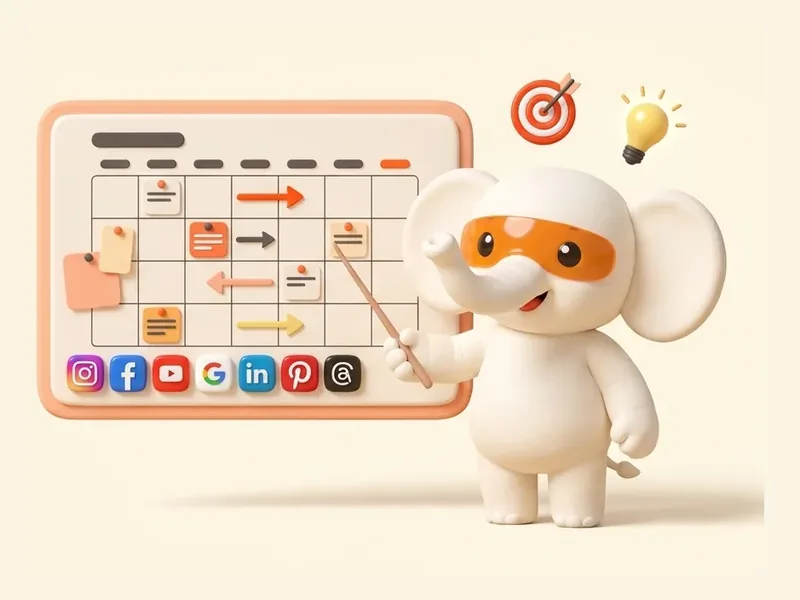
One calendar for every platform, and Zoe fills it: a plan for each week, festival posts and ideas for empty days. Every post waits for your yes before it is scheduled.
Every Monday at 9:00 AM, Zoe brings post ideas from trends, competitors and your best and worst posts. Keep the ones you like. Change the day or time any time.
Ideas every week
Monday, 9:00 AM
Keep what you like
Strategist
Plans what to post and when
On it
Strategistbrought 7 ideas for next week
Weekend Pizza Night, Friday eveningYour best post type, 3 weeks running
An illustrated Pizza Night posterA fresh look for Saturday
Basil lemonade at 4 PMYour most active hour on weekdays
Children’s Day is in 9 days
Researcher · added to the plan
Strategist
Plans what to post and when
On it
Strategistbrought 7 ideas for next week
Weekend Pizza Night, Friday eveningYour best post type, 3 weeks running
An illustrated Pizza Night posterA fresh look for Saturday
Basil lemonade at 4 PMYour most active hour on weekdays
Festivals
Festival posts, five days early
Five days before a festival that matters to you, Zoe makes the posts in your brand. Once you approve, they are scheduled for the festival morning.
Festivals and key dates
In your brand
Scheduled after your yes
Designer
Makes the pictures
On it
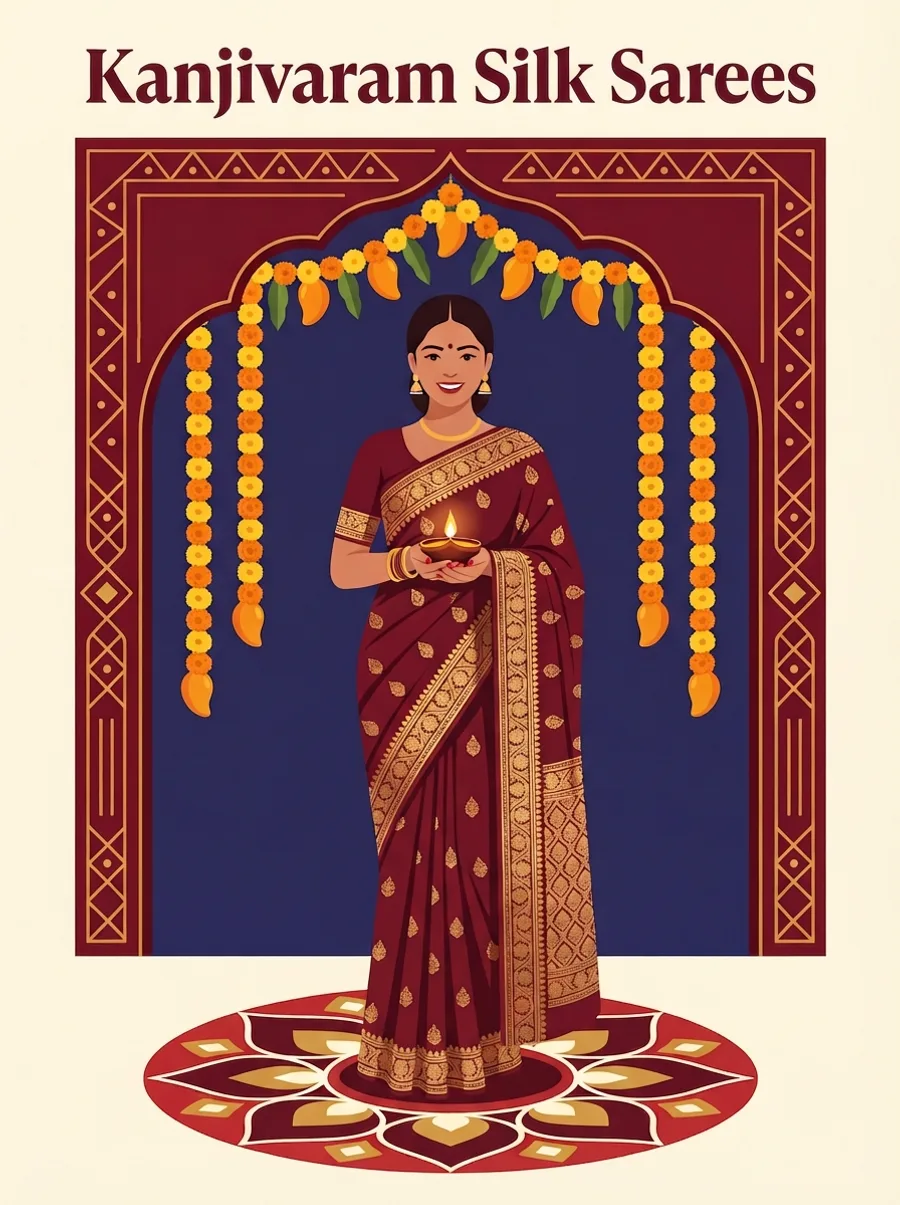
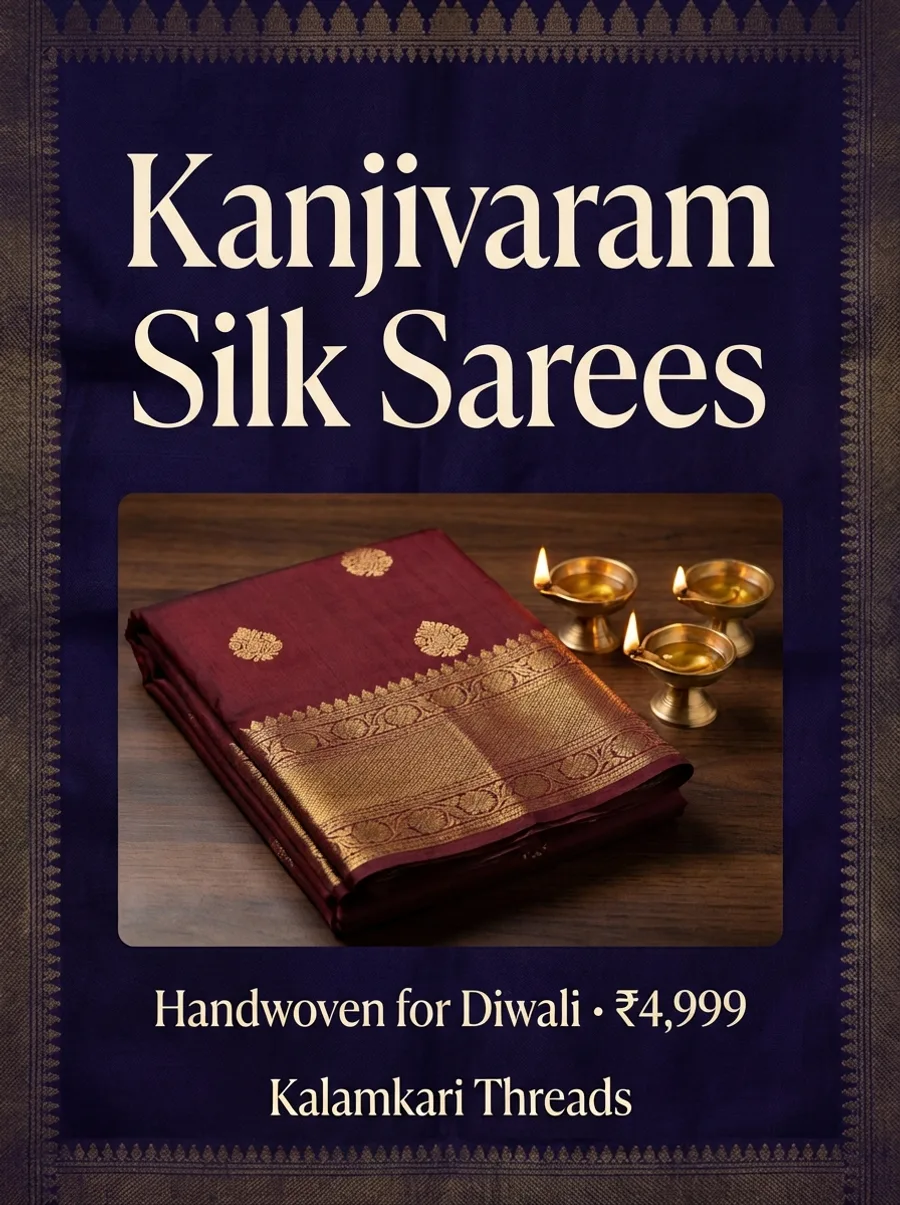
Designermade Kalamkari Threads’ Diwali posts
Photo
Illustrated
Bold type
3 ideas for Diwali
Creative director · your sarees, your colors
Designer
Makes the pictures
On it
Designermade Kalamkari Threads’ Diwali posts
Photo
Illustrated
Bold type
Gaps and changes
No empty weeks, no lost posts
Quiet for 3 days? Zoe sends 3 quick ideas. Move a campaign and its posts move together, and an approved post keeps its approval.
Gaps flagged
Campaigns move together
Approval kept
Publisher
Posts only after you say yes
On it
Publishermoved your Pizza Night campaign one week later
Without a calendar, content is reactive: posts go up when someone remembers, festivals are missed and some weeks are crowded while others are empty. A calendar turns social media into a predictable routine. An AI calendar takes over most of the upkeep, so the routine survives busy seasons.
How Zoe Fills the Calendar
By default, every Monday at 9:00 am the Weekly content plan recipe brings you post ideas to approve, based on trends, competitors and your best and worst posts. Five days before a festival that matters to you, Festival and occasion posts makes the posts and schedules them once you approve. If you have not posted for three days, the Posting gap nudge sends three quick ideas. Every Wednesday, Repurpose a top post turns your best recent post into a fresh carousel or Reel, and trend posts can be dropped into open slots. You can change the day, time and steps of each recipe. You see everything as drafts first and approve what you want.
Example: One Month for a Retail Store
Week
Highlights
Week 1
New arrivals Reel, styling carousel, Google update
Week 2
Customer spotlight, weekend sale Story, festival teaser
Week 3
Festival greeting, festive offer, gift guide carousel
The platform view shows whether one network is crowded while another is neglected. The account group view shows whether every location has local posts planned. Moving a campaign date moves all related posts together, which saves time when plans change.
Before and After
Before
After
Spreadsheets and sticky notes
One live calendar
Missed festivals
Festivals pre-filled
Empty weeks during busy seasons
Gaps flagged and filled
Manual scheduling
Approved posts publish automatically
Getting Started
Connect your accounts, turn on the Weekly content plan and Festival and occasion posts recipes and review your first month in the calendar view. Prefer to start offline? Download ZocialOne's free content calendar template.
Tips
Plan big campaigns a month ahead, leave a few open slots for spontaneous posts and review the calendar every Monday.
Content Mix Guide for the Calendar
Content type
Share of posts
Examples
Educational
About 40 percent
Tips, how-tos, myth busting
Social proof
About 20 percent
Reviews, testimonials, results
Promotional
About 20 percent
Offers, launches, bookings
Community
About 10 percent
Team, behind the scenes, local events
Seasonal
About 10 percent
Festivals and occasions
Zoe balances this mix automatically, and you can adjust it to match your goals.
Common Mistakes to Avoid
Filling the calendar with promotions only.
Planning more than you can approve.
Ignoring the calendar's gap warnings.
Approvals in the Calendar
Drafts appear in a distinct state until approved. Approve single posts or a whole week before posts move to scheduled. If you reschedule an approved post, it keeps its approval, and the Publisher adjusts timing automatically.
Beyond Posts
The calendar is one part of the work Zoe does. Zoe can also run your Meta, Google, LinkedIn, X and ChatGPT ads, and send WhatsApp broadcasts to your customers, so your offers reach people everywhere they look.
Tip
Color-code campaigns, such as launches, festivals and evergreen content, so you can see the balance of your month at a glance and spot crowded weeks early.
Plan your month in minutes
Start the free trial, connect your accounts and turn on the Weekly content plan.
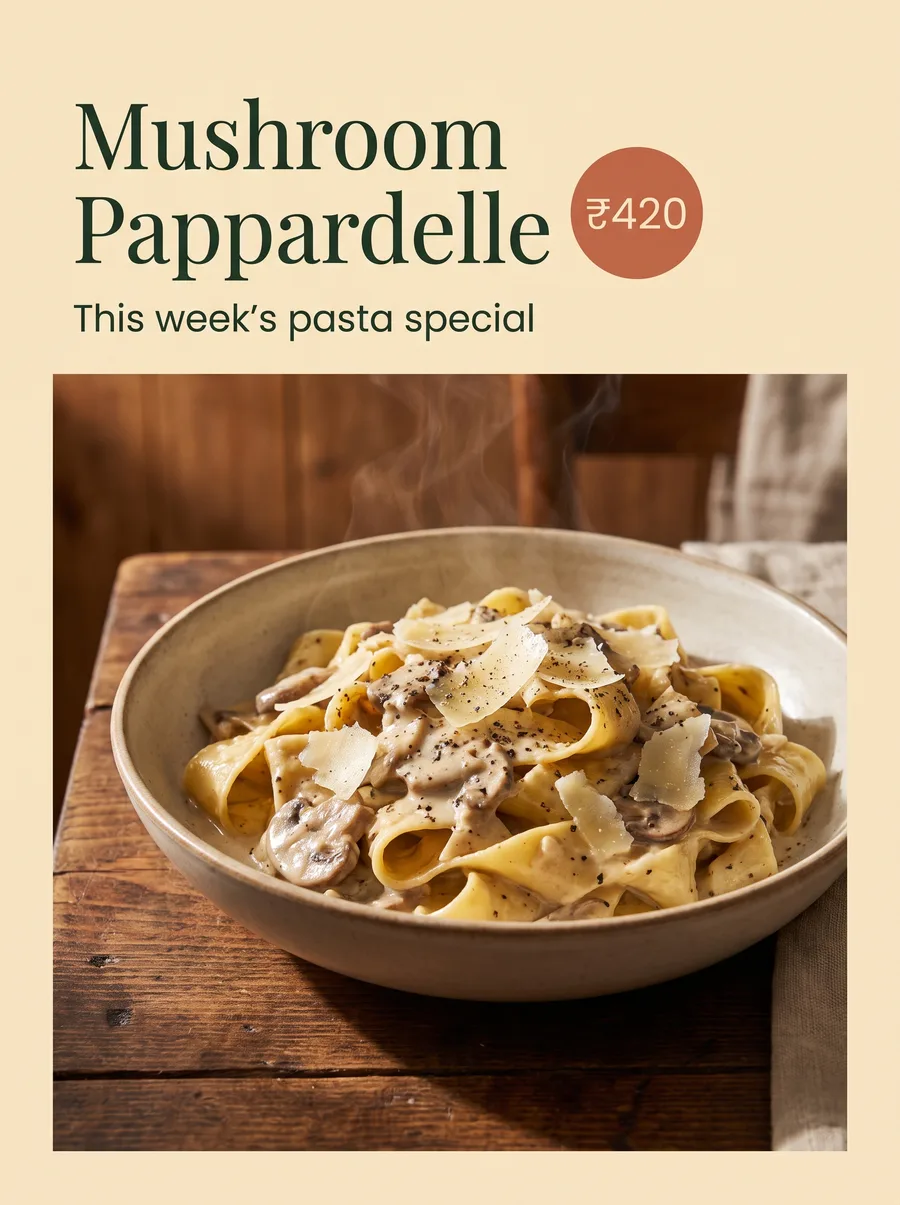
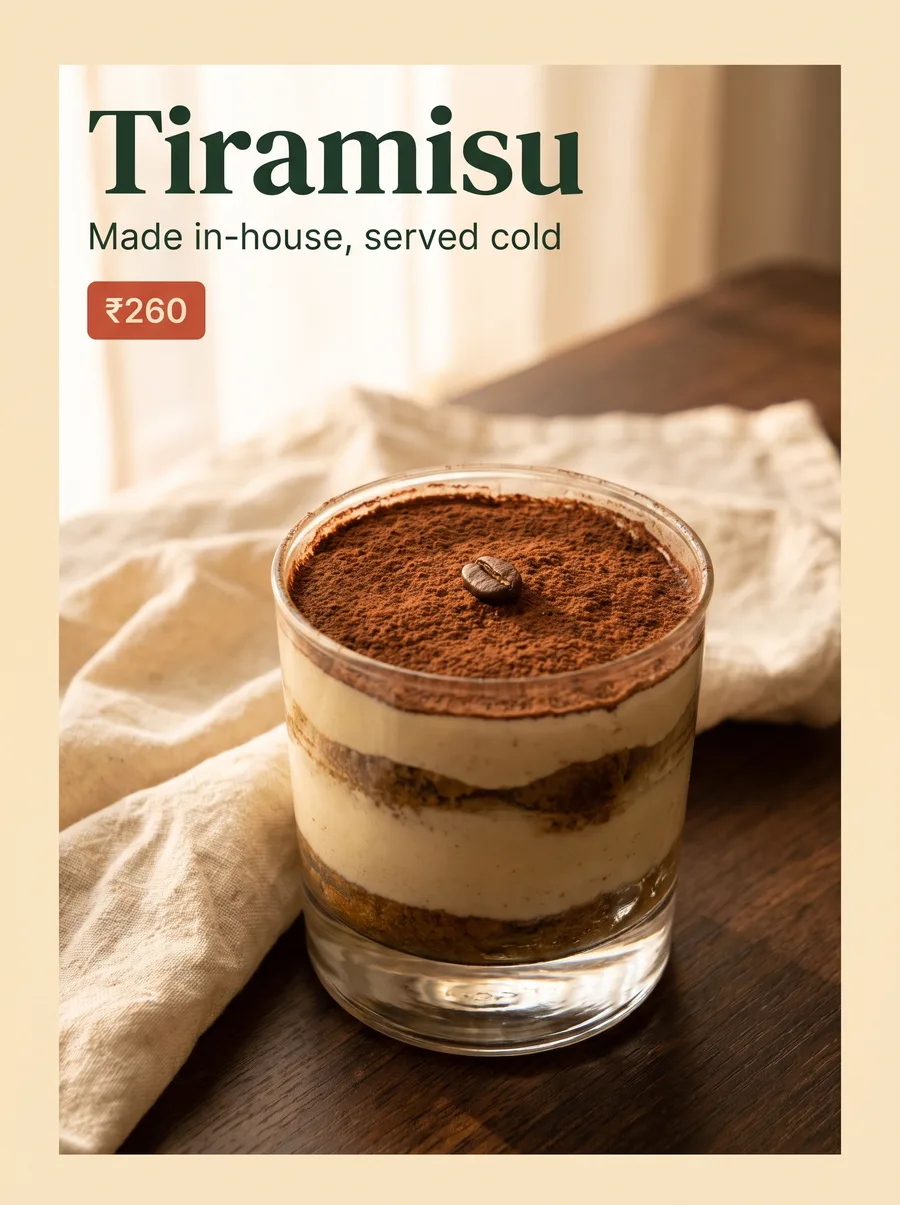
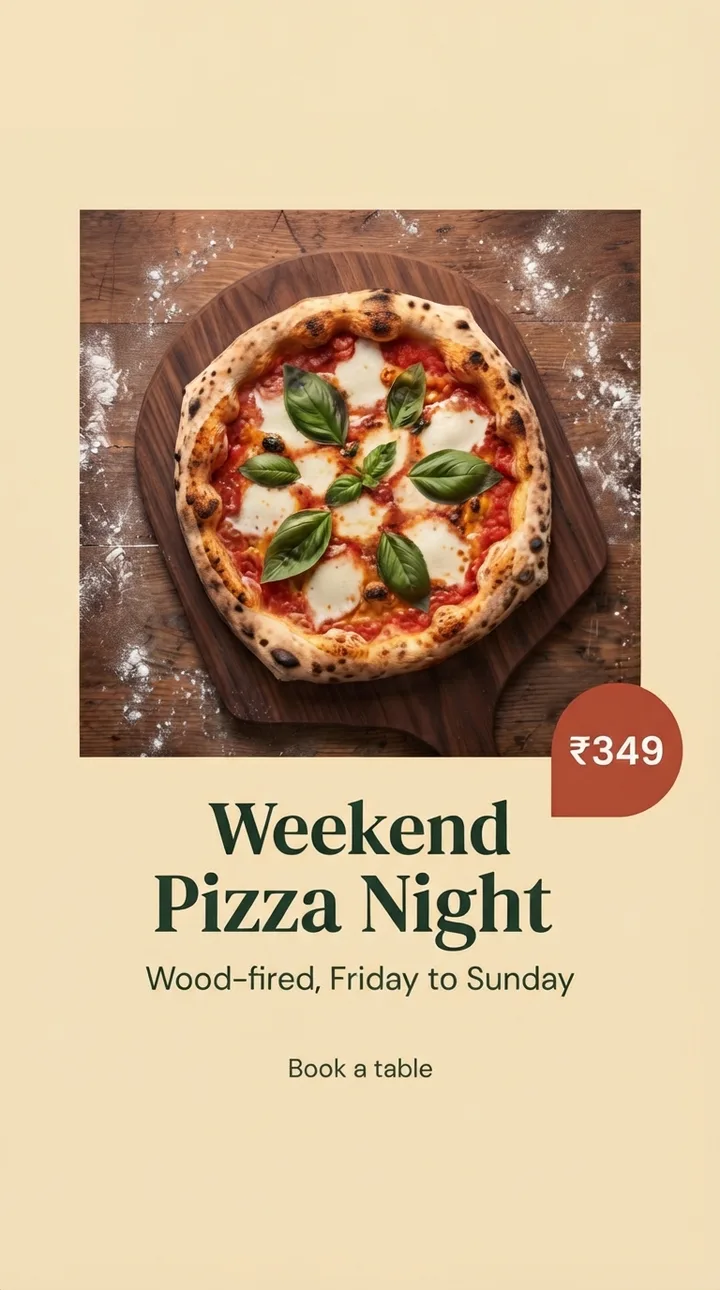
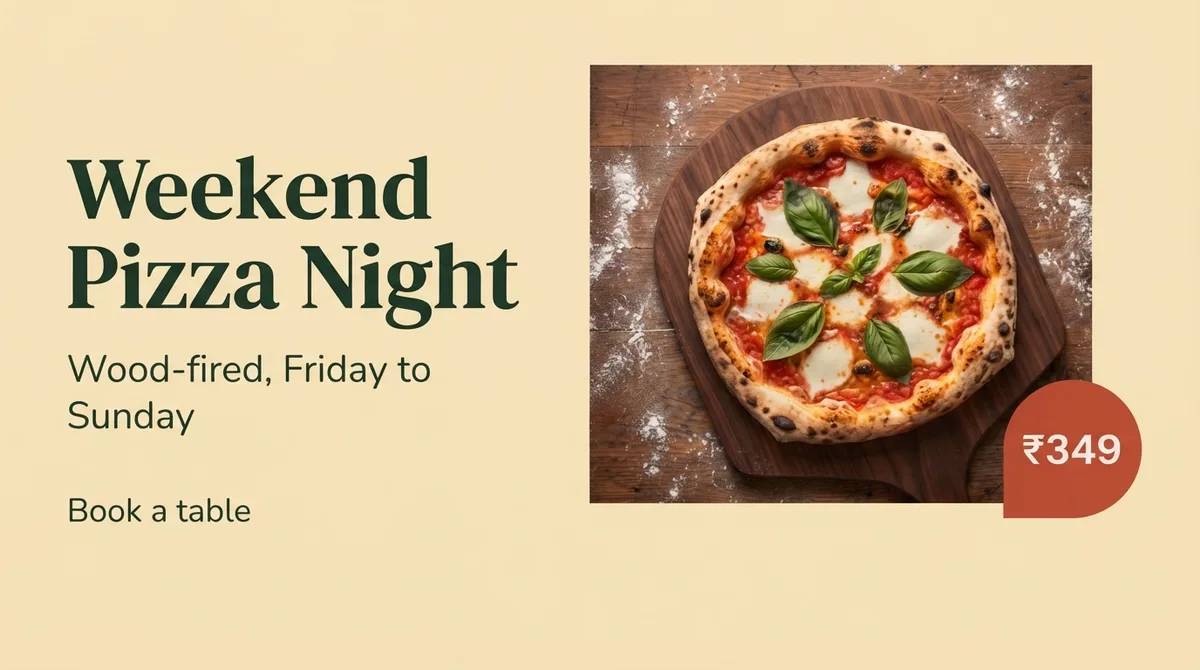

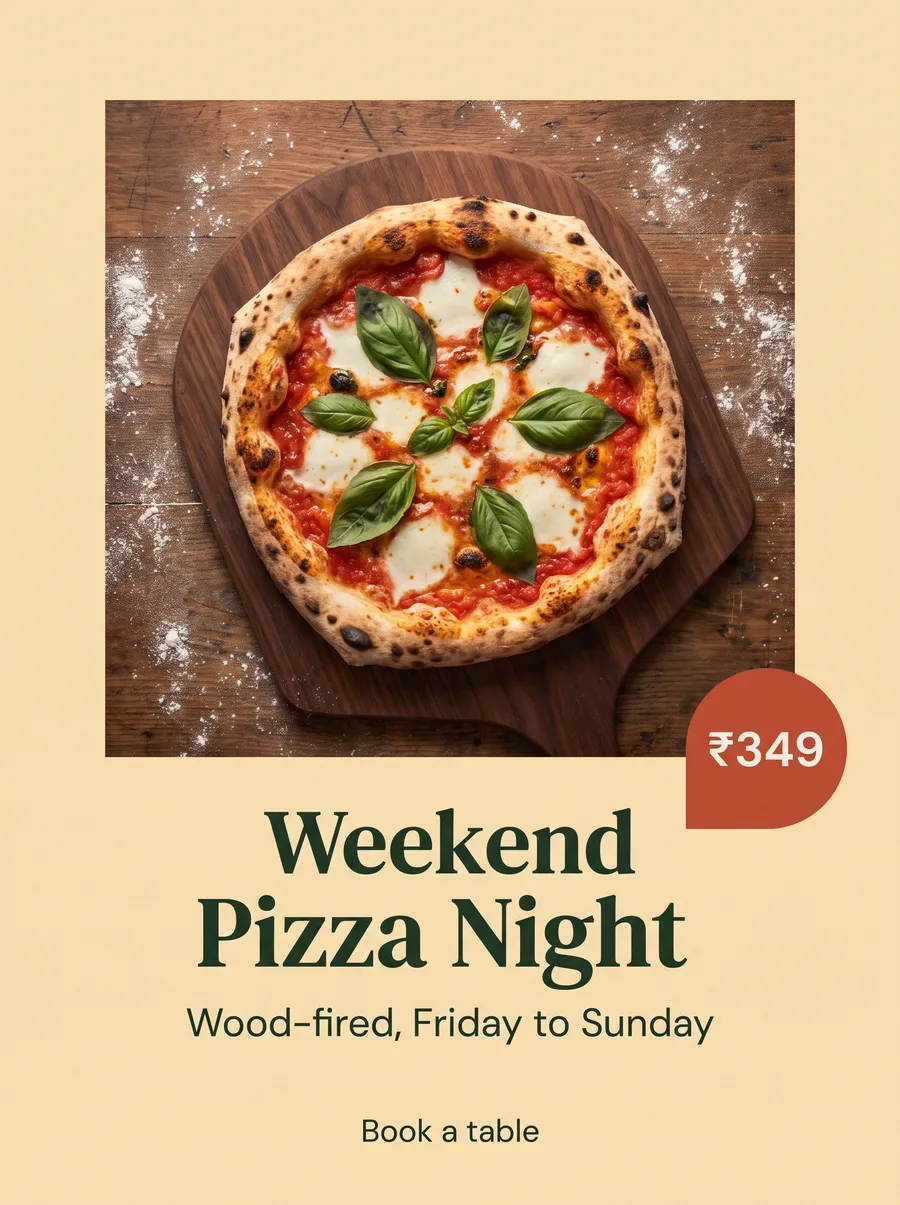 Weekend Pizza Night, Friday eveningYour best post type, 3 weeks running
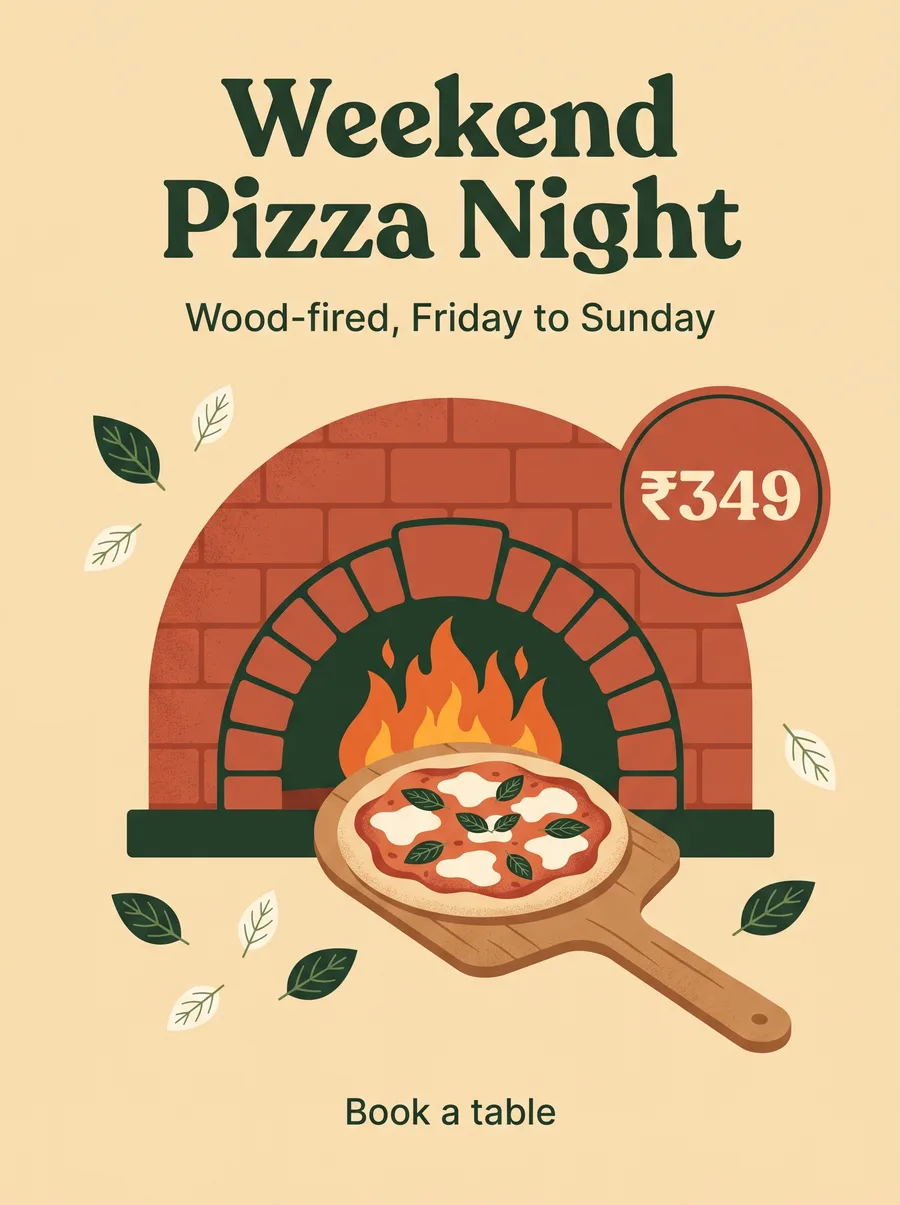 An illustrated Pizza Night posterA fresh look for Saturday
 Basil lemonade at 4 PMYour most active hour on weekdays