Publish to 8 platforms in one click, in 10+ post types: Reels, carousels, Stories, documents, polls, Pins, Shorts, Google offers and X posts, each shaped for its platform. Write once instead of eight times, and Zoe schedules each one at the best time after you approve.
Schedule the Diwali Sale at the best time for each account
Zoe’s team at work3 steps
StrategistWorking…Done
Instagram, Pinterest, Facebook and Threads accounts
Best time for each account, in the Schedule pop-up
PublisherWorking…Done
Scheduled once you approve
Schedule: when should it go out?
Publish now
Best time for each account
Same time for every account
Custom time for each account
kalamkarithreadsReelMon 26 Oct, 7:00 PM
Kalamkari ThreadsPin to Festive SareesTue 27 Oct, 9:00 PM
Kalamkari ThreadsPage postMon 26 Oct, 1:00 PM
kalamkarithreadsPost with a photoMon 26 Oct, 10:00 AM
Kalamkari ThreadsPage postTue 27 Oct, 11:00 AM
5
Accounts
5
Posts, one for each
Mon–Tue
Times picked
In the composer’s Schedule pop-up, Best time for each account gives every account its own time. Once you approve, each one is scheduled for the time shown.
Video producer: A Reel for Instagram and a Short for YouTube
Designer: A Pin, a document, an offer and photo posts
Copywriter: A caption that fits each platform
Publisher: All 8 ready to post with one approval
Diwali Sale, ready for 8 platforms
Waiting for you
Instagram
Reel
Facebook
Page post
LinkedIn
Document
YouTube
Short
Pinterest
Pin
Threads
Post with a photo
Google Business
Offer
X
Post with a photo
One ask, one click. Each account gets its own post in that platform’s type, with a caption that fits it. Nothing is posted until you approve.
Approve all 8
10+ post types
What kinds of posts can you make?
Zoe’s team at work
Designer: Images, carousels, Stories and Pins
Video producer: Reels, Shorts and videos
Copywriter: Text posts, articles, documents, polls, offers and events
10+ post types, each where it belongs
Single image
Dayana Jewelry
Carousel
Basil Bistro
Reel and Short
Kalamkari Threads
Story
Serenity Hills
Video
Zenith Estates
Document
Nimbus Cloud
Article
Nimbus Cloud
Pin
Dayana Jewelry
Offer and event
Serenity Hills
Weekend stay at Serenity Hills, two nights from ₹14,999.
Text post
Serenity Hills
Poll: What is holding back your move to the cloud? · Nimbus Cloud
PinGoes to the board you pick, Festive Sarees
OfferA coupon code and the dates it runs
Each platform gets only the types it supports, in its own size and with the details it asks for.
Make one for my business
Best time
Schedule the Diwali Sale at the best time for each account
Zoe’s team at work
Strategist: Instagram, Pinterest, Facebook and Threads accounts
Strategist: Best time for each account, in the Schedule pop-up
Publisher: Scheduled once you approve
Schedule: when should it go out?
Publish now
Best time for each account
Same time for every account
Custom time for each account
kalamkarithreadsReelMon 26 Oct, 7:00 PM
Kalamkari ThreadsPin to Festive SareesTue 27 Oct, 9:00 PM
Kalamkari ThreadsPage postMon 26 Oct, 1:00 PM
kalamkarithreadsPost with a photoMon 26 Oct, 10:00 AM
Kalamkari ThreadsPage postTue 27 Oct, 11:00 AM
5
Accounts
5
Posts, one for each
Mon–Tue
Times picked
In the composer’s Schedule pop-up, Best time for each account gives every account its own time. Once you approve, each one is scheduled for the time shown.
Approve and schedule
Drafts
Where are my drafts?
Zoe’s team at work
Publisher: Drafts on the Post page and the Calendar’s Drafts tab
Publisher: What each one still needs
Publisher: No time yet: you pick it when you schedule
Your drafts
5 drafts
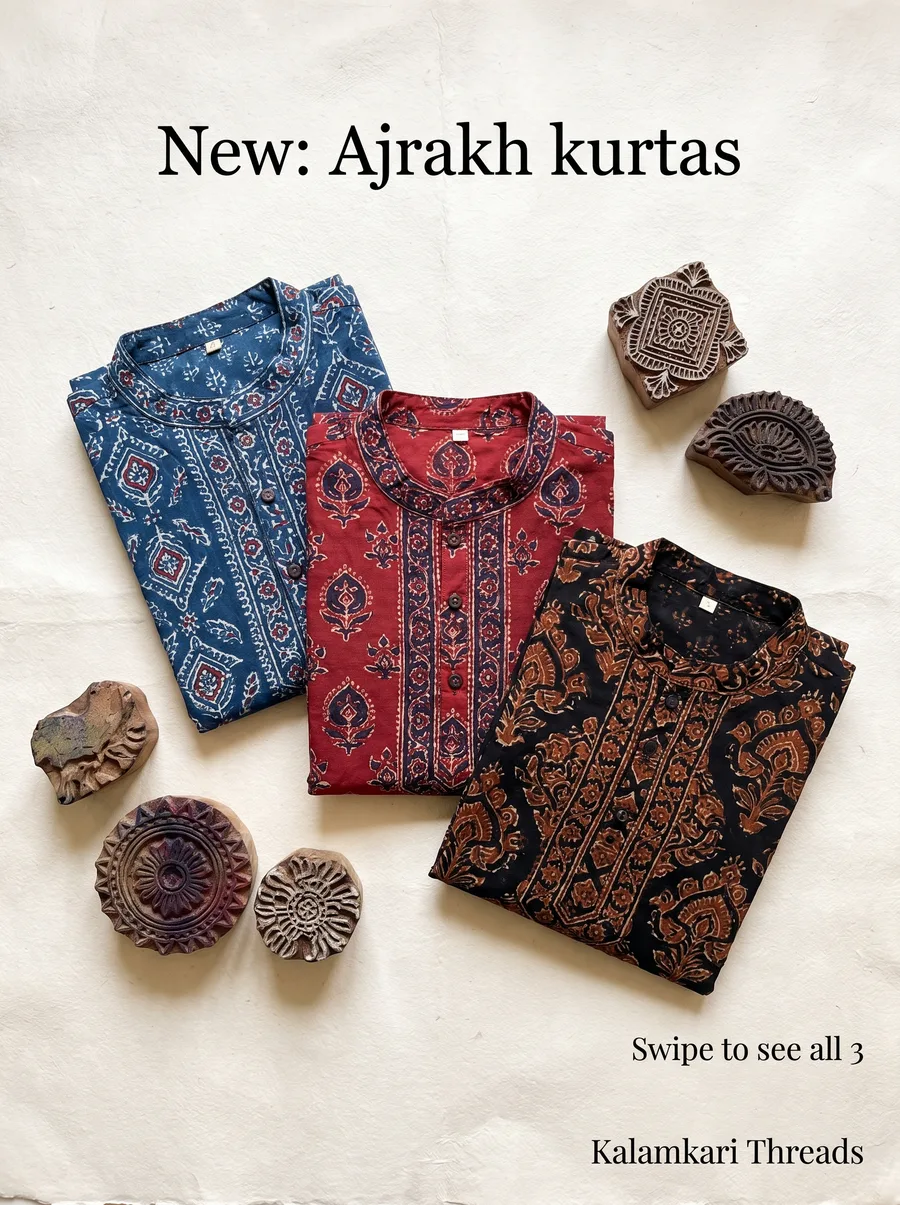
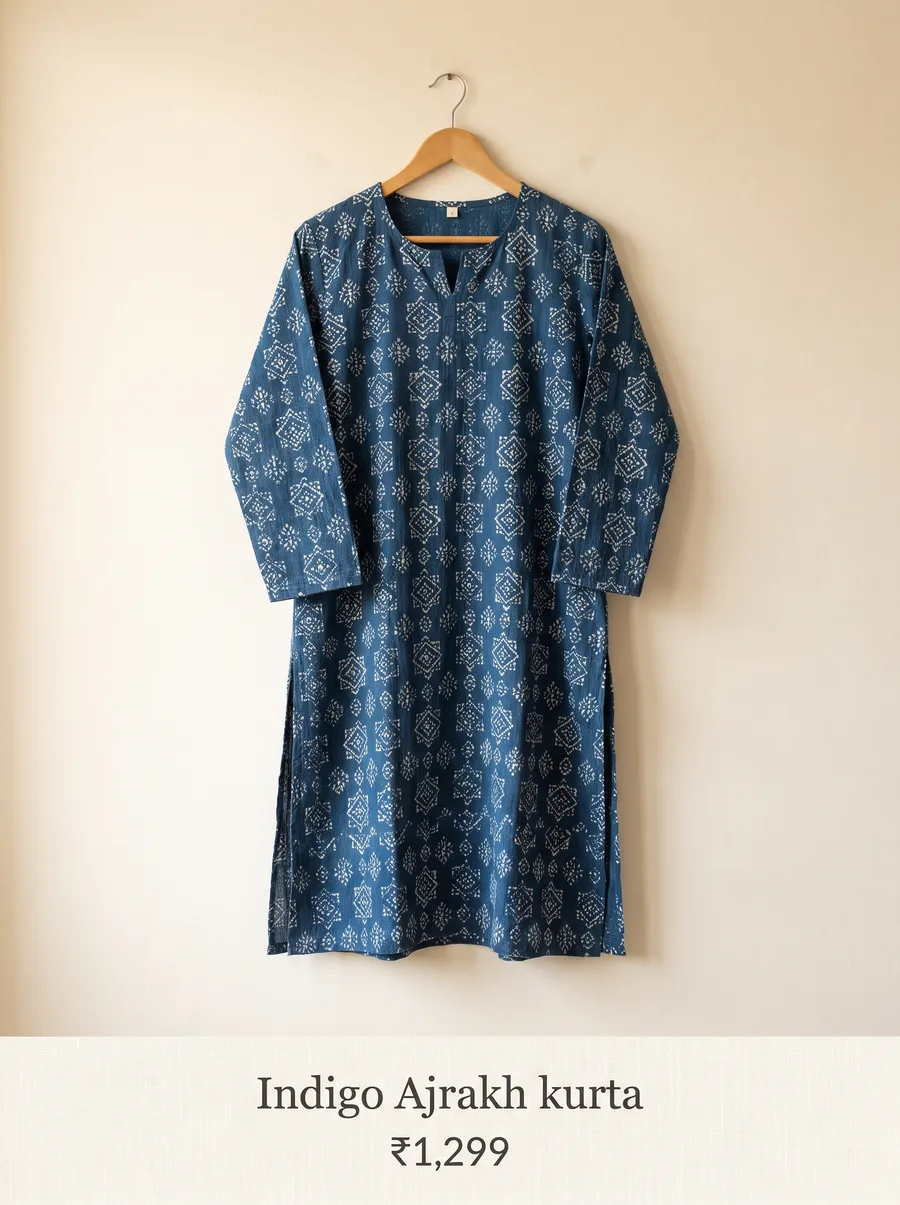
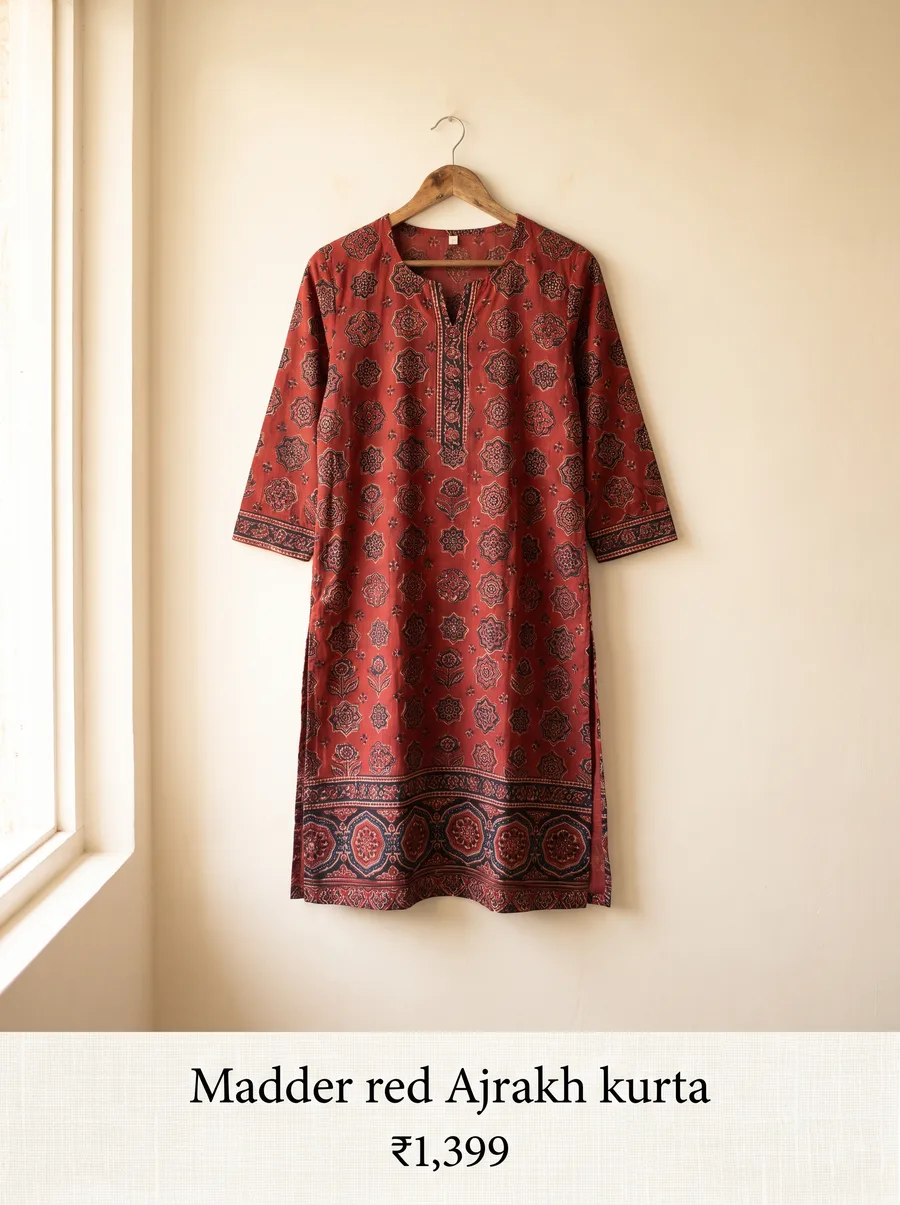
New Ajrakh kurtas are inInstagram, Facebook and PinterestReady to schedule
Kalamkari dupattas, back in stockInstagram and ThreadsAdd a photo for Instagram
Indigo kurta, three ways to wear itPinterestReady to schedule
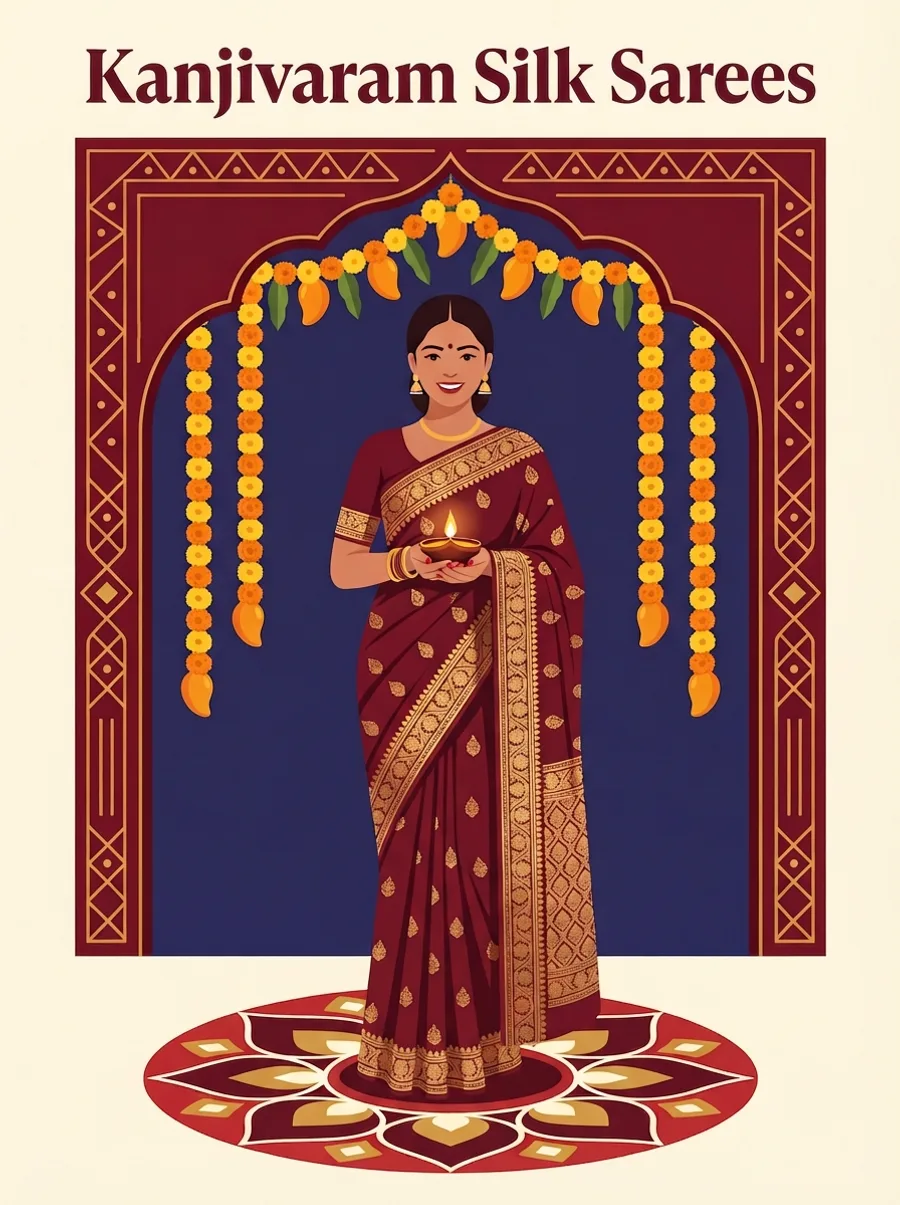
Diwali Sale, illustrated posterFacebook and XWrite a caption
How our weavers workLinkedInReady to schedule
Keeps the caption
Keeps the media
Keeps the accounts
Keeps the options
Drafts you save in the post composer are on the Post page and in the Calendar’s Drafts tab. You pick the time when you schedule one.
Open my drafts
Calendar
What’s scheduled for next week?
Zoe’s team at work
Publisher: Every post on your calendar, 26 to 31 Oct
Publisher: One row for each account’s post
Publisher: The day and time each is scheduled for
Kalamkari Threads, 26 to 31 Oct
8 scheduled
Diwali Sale, post with a photokalamkarithreadsScheduled for Mon 26 Oct, 10:00 AM
Diwali Sale, page postKalamkari ThreadsScheduled for Mon 26 Oct, 1:00 PM
Diwali Sale, ReelkalamkarithreadsScheduled for Mon 26 Oct, 7:00 PM
Indigo kurta, PinKalamkari ThreadsScheduled for Tue 27 Oct, 9:00 PM
How our weavers work, documentKalamkari ThreadsScheduled for Wed 28 Oct, 11:00 AM
Diwali offerKalamkari Threads, HyderabadScheduled for Thu 29 Oct, 11:00 AM
Diwali Sale, post with a photokalamkarithreadsScheduled for Fri 30 Oct, 5:00 PM
Kurta haul, ShortKalamkari ThreadsScheduled for Sat 31 Oct, 6:00 PM
The Diwali Sale went out to several platforms together, and each one shows as its own post. Open any one to move it to a new time.
Move a post
Zoe’s team on publishing
Write once. Post everywhere
8 platforms, one click
Eight platforms in one click
Write once and Zoe makes every platform’s version: a Reel, a Page post, a LinkedIn document, a Short, a Pin, a Threads post, a Google offer and an X post. Each account gets its own post.
8 platforms
10+ post types
Write once, not eight times
Designer
Makes the pictures
On it
Designermade the Diwali Sale for 8 platforms
Reel
Instagram
Page post
Facebook
Document
LinkedIn
Short
YouTube
Pin
Pinterest
Post
Threads
Offer
Google Business
Post
X
A caption that fits each platform
Copywriter · Kalamkari Threads
Designer
Makes the pictures
On it
Designermade the Diwali Sale for 8 platforms
Reel
Instagram
Page post
Facebook
Document
LinkedIn
Short
YouTube
Pin
Pinterest
Post
Threads
Offer
Google Business
Post
X
Platform details
Every detail each platform asks for
A title, tags, playlist and visibility for YouTube, a board for each Pin, collaborators and a first comment on Instagram. Zoe fills them in, and you can change any of them.
Captions and tags
Playlists and boards
Public, private or unlisted
Copywriter
Writes captions in your voice
On it
Copywriterset up Apex Academy’s Short
Title
5 UX/UI rules every beginner should know
Tags
ux design, ui design, design course
Playlist
Design in 30 seconds
Visibility
Public
Thumbnail made from your poster
Designer · in your brand
Copywriter
Writes captions in your voice
On it
Copywriterset up Apex Academy’s Short
Title
5 UX/UI rules every beginner should know
Tags
ux design, ui design, design course
Playlist
Design in 30 seconds
Visibility
Public
Scheduling
The right time for every account
Publish now, use the best time for each account, pick one time for all of them, or set a time for each account. Stories can be scheduled like any other post.
Best time per account
One time for all
A time for each
Publisher
Posts only after you say yes
On it
Publisherpicked a best time for each of Dayana’s accounts
Save a post as a draft and pick it up later from the Post page or the Calendar. Drafts keep the caption, media, accounts and options, and you pick the time when you schedule.
Save as draft
Ready or needs a fix
Nothing posts without you
Quality lead
Checks facts, brand and quality
On it
Quality leadfound your 2 drafts
New Ajrakh kurtas are inInstagram, Facebook and PinterestReady
Kalamkari dupattas, back in stockInstagram and ThreadsNeeds a photo
Pick up where you left off
Asked before you leave a post
Save as draft, or delete it
Quality lead
Checks facts, brand and quality
On it
Quality leadfound your 2 drafts
New Ajrakh kurtas are inInstagram, Facebook and PinterestReady
Kalamkari dupattas, back in stockInstagram and ThreadsNeeds a photo
Pick up where you left off
Calendar
Your whole week, on one calendar
Every scheduled post shows on the Calendar with the day and time it is scheduled for. Posts made together still show one by one, so you can move any of them.
Day, week and month
One post per account
Move to a new time
Strategist
Plans what to post and when
On it
Strategistlined up Kalamkari Threads’ week
Diwali Sale, ReelScheduled for Mon 26 Oct, 7:00 PM
Indigo kurta, PinScheduled for Tue 27 Oct, 9:00 PM
How our weavers work, documentScheduled for Wed 28 Oct, 11:00 AM
Diwali offerScheduled for Thu 29 Oct, 11:00 AM
No limit on how many posts
Every plan
Strategist
Plans what to post and when
On it
Strategistlined up Kalamkari Threads’ week
Diwali Sale, ReelScheduled for Mon 26 Oct, 7:00 PM
Indigo kurta, PinScheduled for Tue 27 Oct, 9:00 PM
How our weavers work, documentScheduled for Wed 28 Oct, 11:00 AM
Diwali offerScheduled for Thu 29 Oct, 11:00 AM
What Zoe does
What Smart Publish does
Write once, publish everywhere, at the right time. You approve every step.
8 platforms in one click
Instagram, Facebook, LinkedIn, YouTube, Pinterest, Threads, Google Business and X, from one post and one click.
10+ post types
Single images, carousels, Reels and Shorts, Stories, videos, text posts, articles, LinkedIn documents and polls, Pins, and Google updates, offers and events.
Write once, not eight times
One post becomes every platform’s version, with its own size, caption and details. You approve them together instead of posting each one by hand.
A caption for each platform
One shared caption, with a tab for each platform when you want to say it differently there, including the tags that platform allows.
Four ways to schedule
Publish now, the best time for each account, one time for every account, or a time for each account.
Drafts
Save a post and finish it later. A draft keeps the caption, media, accounts and options, and you pick the time when you schedule it.
Your calendar
Every scheduled post shows on the Calendar, one post per account, with the day and time it is scheduled for. Move any of them.
No posting limits
Post as often as you like on every plan.
Nothing posts without you
Every post waits for your yes. Approved posts show the exact day and time they are scheduled for.
Plan and stay on brand
A content calendar Zoe fills for you, and a brand kit Zoe uses in every post.
You write or ask Zoe for one post, pick your accounts, and Smart Publish shapes it for each platform: a Reel or carousel on Instagram, a document on LinkedIn, a Pin on Pinterest, a Short on YouTube, an offer on Google Business, a post on X. Each account gets its own post, scheduled after you approve it.
Which platforms can I publish to?
Eight, in one click: Instagram, Facebook, LinkedIn, YouTube, Pinterest, Threads, Google Business and X.
Which post types are supported?
More than ten: single images, carousels, Reels and Shorts, Stories, videos, text posts, articles, LinkedIn documents and polls, Pins, and Google Business updates, offers and events. Each platform gets the types it supports.
How do I choose when a post goes out?
Pick one of four choices: publish now, the best time for each account, the same time for every account, or a custom time for each account. Best time picks a time for each account. Stories can be scheduled like any other post.
Can I save a post and finish it later?
Yes. Save it as a draft and pick it up from the Post page or the Calendar’s Drafts tab. A draft keeps the caption, media, accounts and options. You pick the time when you schedule it.
Can I write a different caption for each platform?
Yes. Every post has a shared caption and a tab for each platform, so you can change the words, hashtags and tags for one platform without touching the others.
Can I change a post after it is scheduled?
You can move it to a new day and time from the Calendar. Each account’s post moves on its own.
Is there a limit on how many posts I can schedule?
No. Every plan has unlimited posts.
Does Zoe post without my approval?
No. Every post waits for your approval. Approved posts are scheduled for the day and time you see on the card.
Is there a free trial?
Yes. The 7-day free trial is on the Essential plan and starts when you link your first account.