Video Producer Agent: AI Reels and Short Videos for Your Business
The Video producer turns the Creative director’s script into Reels and Shorts, from your own clips, photos or AI video. Captions go on every line, and every video waits for your yes.
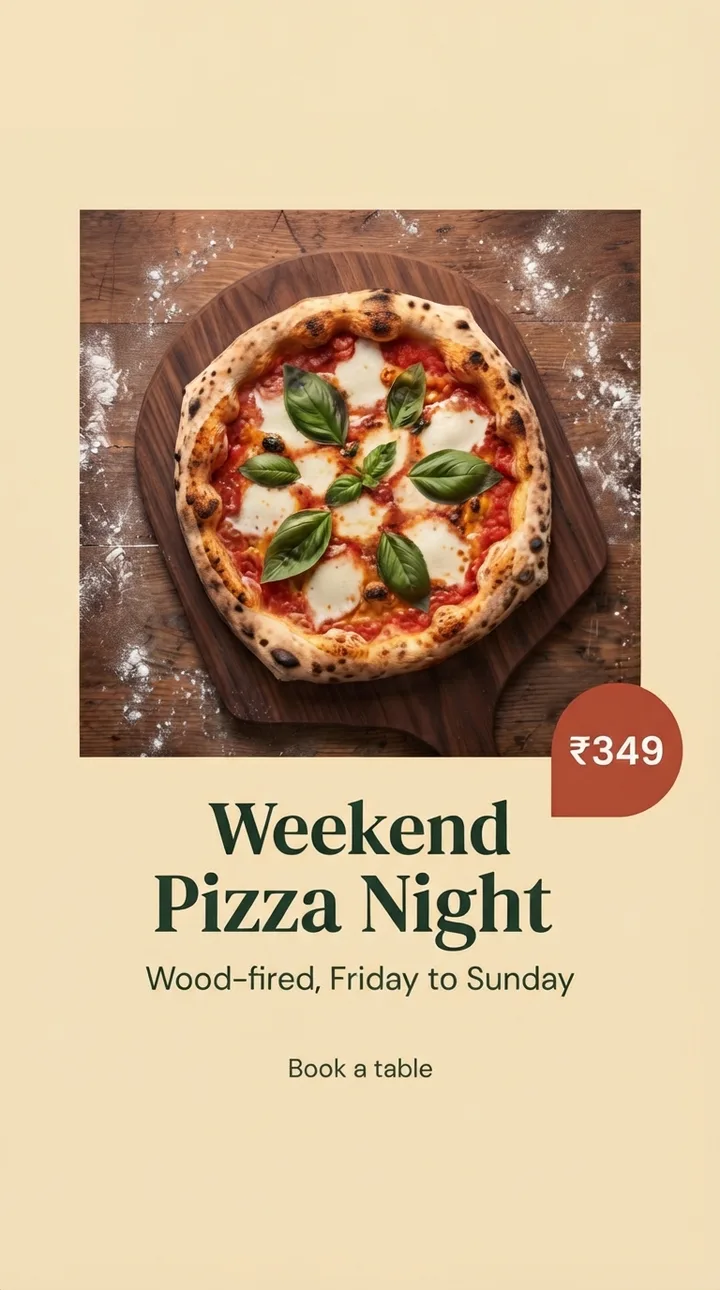
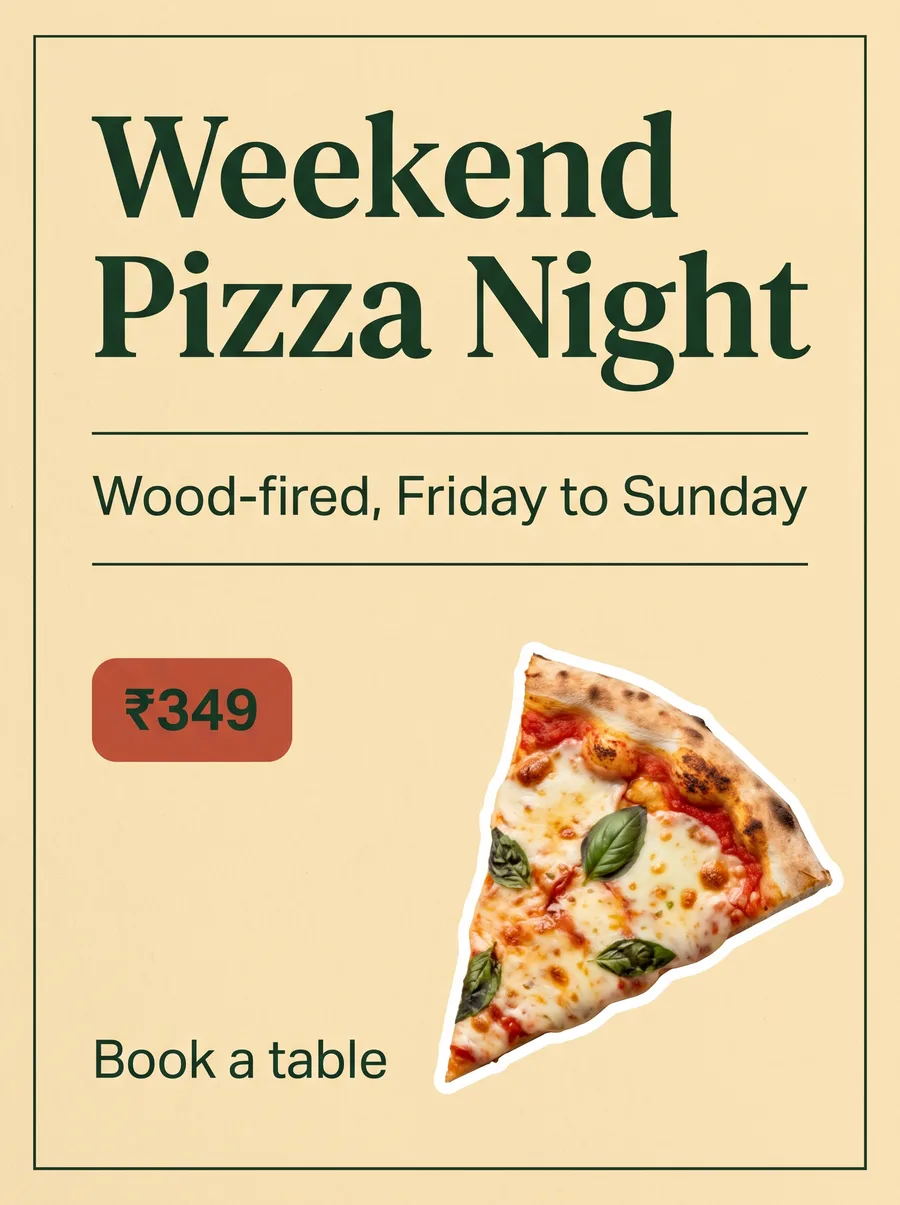
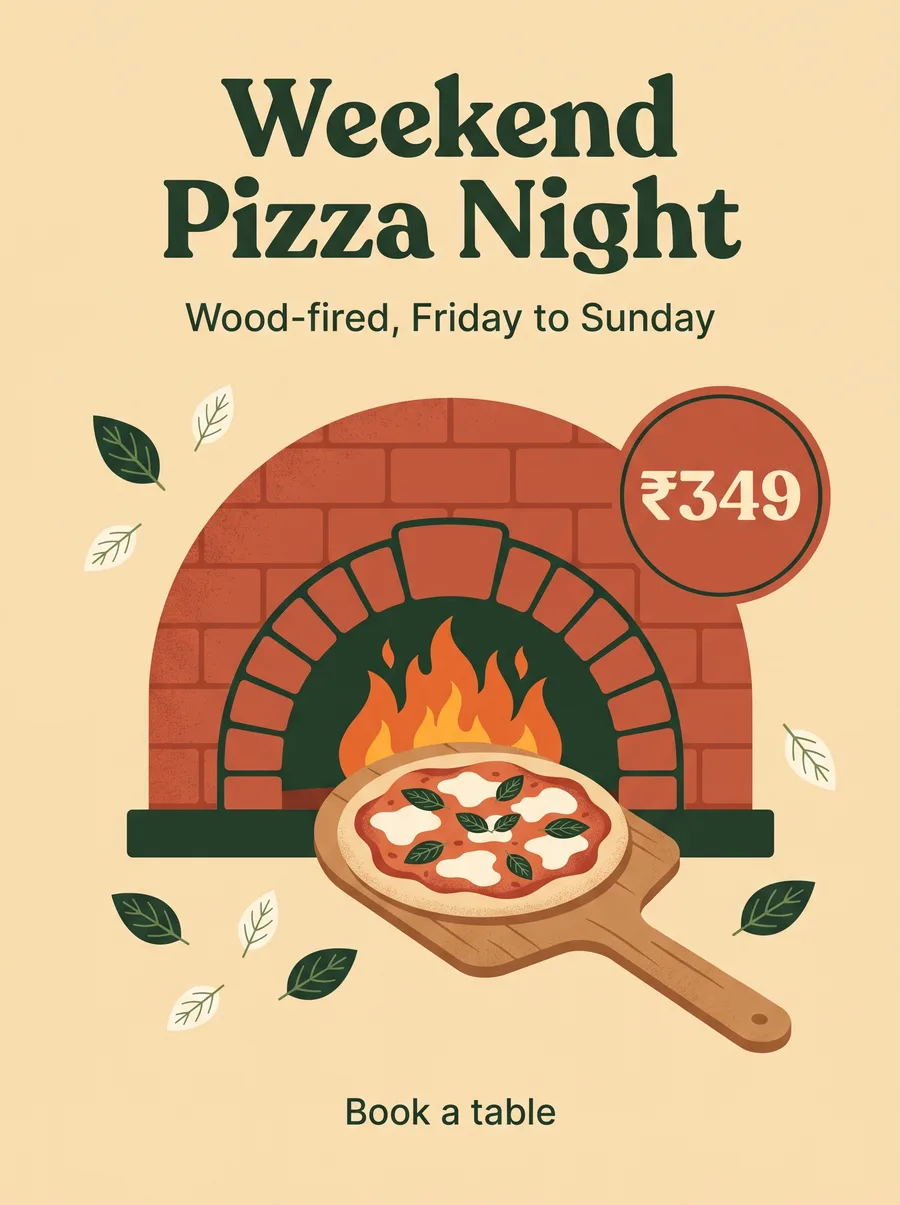
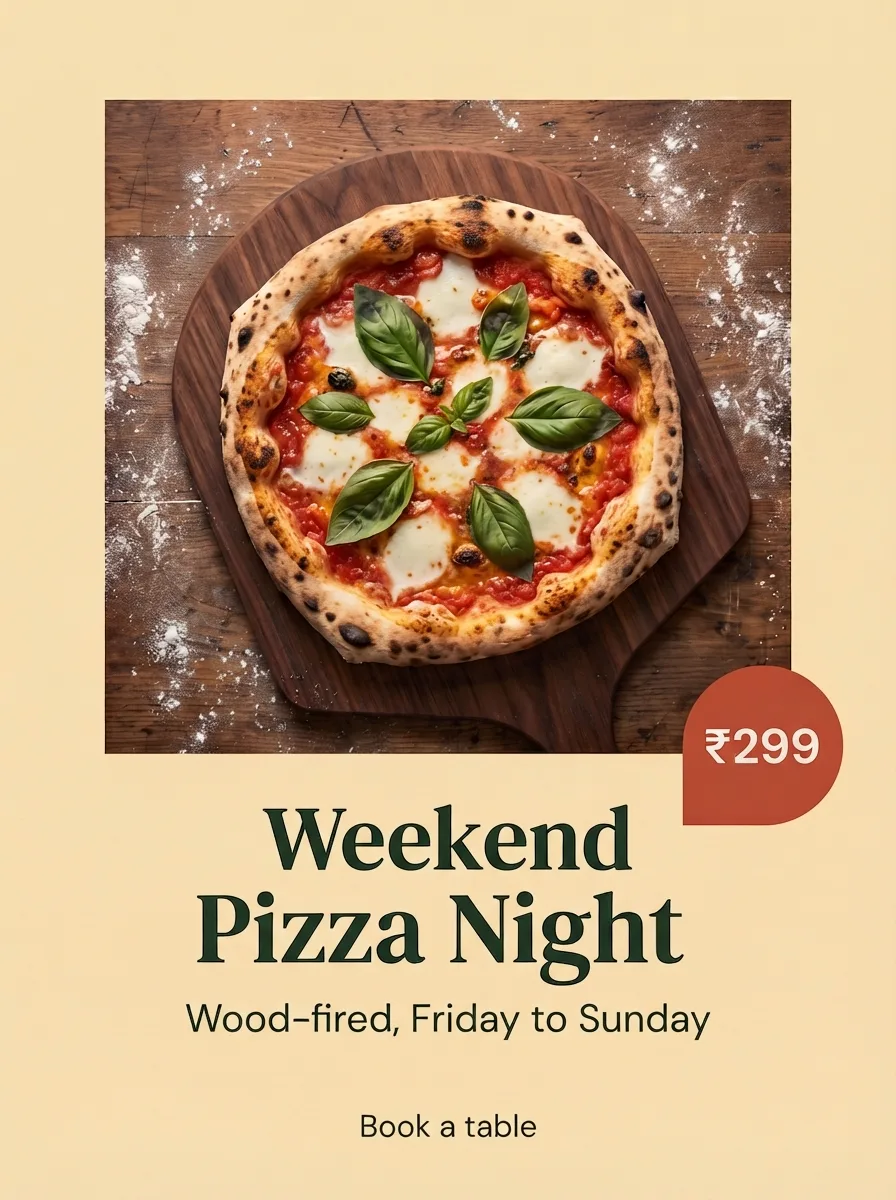
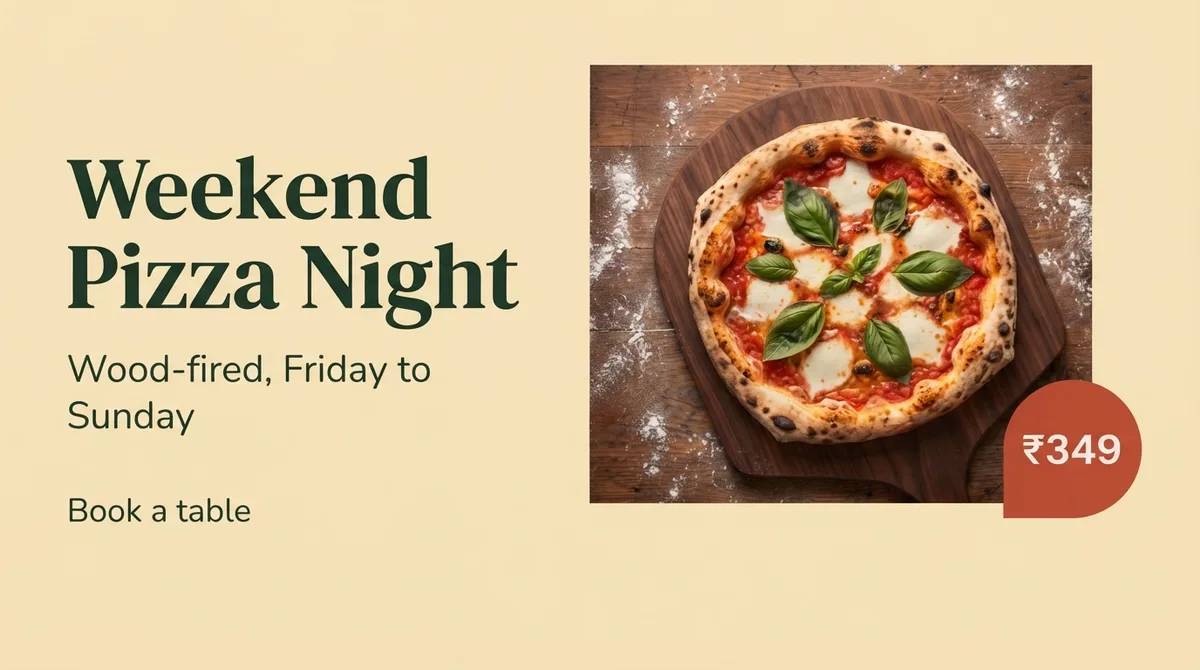
“Make a 15-second Reel for our weekend pizza night”Romano’s Pizzeria
The script, hook firstCreative directorUp next
Your clips first, then stockMedia curatorUp next
Edited, with captions and musicVideo producerUp next
Checked for frozen frames and silenceVideo producerUp next
Brand and spelling checkedQuality leadUp next
Your pizza night Reel
Being made
Our dough rests 48 hours
15 seconds, 9:16
Captions on every line
Upbeat acoustic, 100 bpm
Cover included
The Video producer at work
Reels every week, without a video team
Your clips first
Phone clips into a Reel worth watching
Upload short clips of your kitchen, shop or site. The Video producer uses your own footage first, then templates and stock, and gives every scene one idea so it never feels like a slideshow.
Your phone clips
One idea per scene
AI video if needed
Video producer
Makes the reels and videos
On it
Video producerlaid out your Reel in 4 scenes
Hook
0 to 2s
Turn
2 to 6s
Proof
6 to 12s
Close
12 to 15s
Clips and music brief ready
Media curator · your uploads first
Video producer
Makes the reels and videos
On it
Video producerlaid out your Reel in 4 scenes
Hook
0 to 2s
Turn
2 to 6s
Proof
6 to 12s
Close
12 to 15s
Made for sound off
Captions on, mistakes caught
Most people watch without sound, so every spoken line gets captions. Before you see it, the Reel is checked for words on faces, words under the app’s buttons, frozen frames and silence.
Captions on every line
Clear of app buttons
No dead air
Video producer
Makes the reels and videos
On it
Video producerchecked your Reel
No words on faces
Clear of the app’s buttons
No black or frozen frames
No silence
Ready for your yes
Brand and spelling checked
Quality lead · before you see it
Video producer
Makes the reels and videos
On it
Video producerchecked your Reel
No words on faces
Clear of the app’s buttons
No black or frozen frames
No silence
Ready for your yes
Ready to schedule
The Reel, its cover, and your yes
You get the finished Reel with its cover, ready for Instagram Reels, YouTube Shorts and Facebook. Approve it, ask for a change or edit it yourself in the Video Editor.
Cover included
Reels and Shorts
You approve
Video producer
Makes the reels and videos
On it
Video producerfinished your pizza night Reel
Cover for YouTube Shorts
Instagram ReelYouTube ShortFacebook Reel
Best time: Fri, 6:00 PM
Publisher · after your yes
Video producer
Makes the reels and videos
On it
Video producerfinished your pizza night Reel
Cover for YouTube Shorts
Instagram ReelYouTube ShortFacebook Reel
What it makes
Short video, without a video team
Every video is checked first and approved by you before it is scheduled.
Edits your clips
Phone footage trimmed, put in order and given on-screen text.
AI video
Short videos from a description or your product photos when you have no footage.
Captions on every line
Clear on-screen text for the many people who watch without sound.
Repurpose long videos
Turn a webinar, interview or long YouTube video into several short clips.
Regional languages
On-screen text and captions in Hindi, Telugu and the languages your audience uses.
Edit it yourself
Adjust clips, text and timing in the Video Editor.
What it does, how it works, an example Reel, video ideas by industry and a weekly workflow.
What the Video Producer Agent Does
The Video producer is the motion specialist on Zoe's team. It handles:
Turning the Creative director's script, with its strong hook, into Reels, Shorts and Stories.
Editing your raw clips into tight, watchable videos.
AI-generated video when you do not have footage.
On-screen text and captions.
Formats for each platform.
Key Capabilities
Hook-first scripting
The first one to two seconds decide whether people keep watching. The Creative director writes each script hook first, opening with a question, a bold claim, a surprising visual or a clear promise, and the Video producer builds the video around it without changing the script's words.
Edit your clips
Upload phone footage of your shop, kitchen, clinic or site. The Video producer trims, sequences and adds text so it plays smoothly.
AI video generation
Create short videos from a text description or images using AI video generation, useful for product showcases and concept visuals when you have no footage.
Captions and on-screen text
Many people watch without sound. Clear on-screen text and captions on every spoken line keep your message readable. Before handing over, the Video producer checks the finished Reel for words on faces, words under the app's buttons, frozen frames and silence, fixes what it finds, and hands over the Reel with its cover.
Repurpose long videos
Turn a webinar, interview or long YouTube video into several short clips.
Platform-ready formats
Vertical video for Reels, Shorts and Stories; square or landscape where needed.
How It Works
1Choose an idea: from the Ideas Board, a recipe or a direct request.
1Script is drafted by the Creative director: hook, body and call to action.
1Video is produced: from your clips, images or AI generation.
1Quality lead checks it: brand, text accuracy and readability.
1You approve: then the Publisher schedules it.
Example: Real Estate Project Reel
Request: "A 20-second Reel for our new 2BHK project near the metro."
Output:
Hook: "Ten minutes to the metro. Here is what ₹65 lakh gets you." (pricing from your facts)
Shots: exterior, living room, balcony view, clubhouse.
On-screen text: key features and possession date.
Call to action: "Book a site visit on WhatsApp."
Video Ideas by Industry
Industry
Reel and Short ideas
Restaurants
Dish-making close-ups, chef reveals, "one dish, three ways"
Salons
Transformations, styling tips, product how-tos
Clinics
Doctor answers in 30 seconds, myth vs fact
Education
Topper tips, concept explainers, campus tours
Retail
Try-on hauls, new arrivals, styling ideas
Gyms
Form fixes, member wins, quick workouts
What Makes a Reel Perform
A hook in the first second.
Fast pacing with cuts every two to three seconds.
One clear message.
Text overlays for sound-off viewers.
A specific call to action at the end.
Common Video Mistakes It Avoids
Slow intros with logos before any value.
Horizontal footage cropped badly into vertical frames.
Long, unreadable text blocks.
Endings with no next step.
Tips for Better Videos
Shoot vertical, in good light, with steady hands.
Capture short clips of everyday moments; they are gold for editing.
Keep a folder of product shots and team clips in ZocialOne.
Review the Reels skip rate in analytics to improve hooks.
Post Reels consistently without a video team. Try ZocialOne free.
On Monday, shoot ten minutes of short vertical clips around your business: the kitchen during prep, a stylist at work, a classroom moment, a site walkthrough. Upload them to ZocialOne. On Tuesday, ask Zoe for three Reels from those clips. The Creative director scripts the hooks, and the Video producer sequences the clips, adds text and captions and picks music styles that fit your brand. On Wednesday, review and approve. The Publisher schedules them across the week at times your audience is most active. Ten minutes of filming becomes a week of video.
Who It Is For
Small businesses that know video matters but have no editor, marketing teams that need more Reels without more headcount, and agencies producing short-form content for many clients. Creators and personal brands also use it to repurpose long videos into Shorts.
Post Reels every week, without a video team
Start the free trial, upload a few phone clips and ask Zoe for your first Reel.
No. You can upload clips, use product photos or ask for AI-generated video.
Can I edit the video after Zoe creates it?
Yes. Use ZocialOne's Video Editor to adjust clips, text and timing.
Which platforms can I post to?
Instagram Reels, YouTube Shorts, Facebook, LinkedIn, Threads, Pinterest and X. See Smart Publish.
Can videos include Hindi or Telugu text?
Yes. On-screen text and captions can be in regional languages.
Do videos use more credits?
Video generation typically uses more Zoe credits than text or images; your plan's allowance shows the balance. A paid clip, music or voice is charged only within the limit you approved for the job.