Designer Agent: AI Social Media Design in Your Brand Style
The Designer makes your posts, carousels, Stories and banners in your brand: your logo, colors and fonts. It takes the idea from the Creative director and the headline from the Copywriter, and the Quality lead checks every design before you see it.
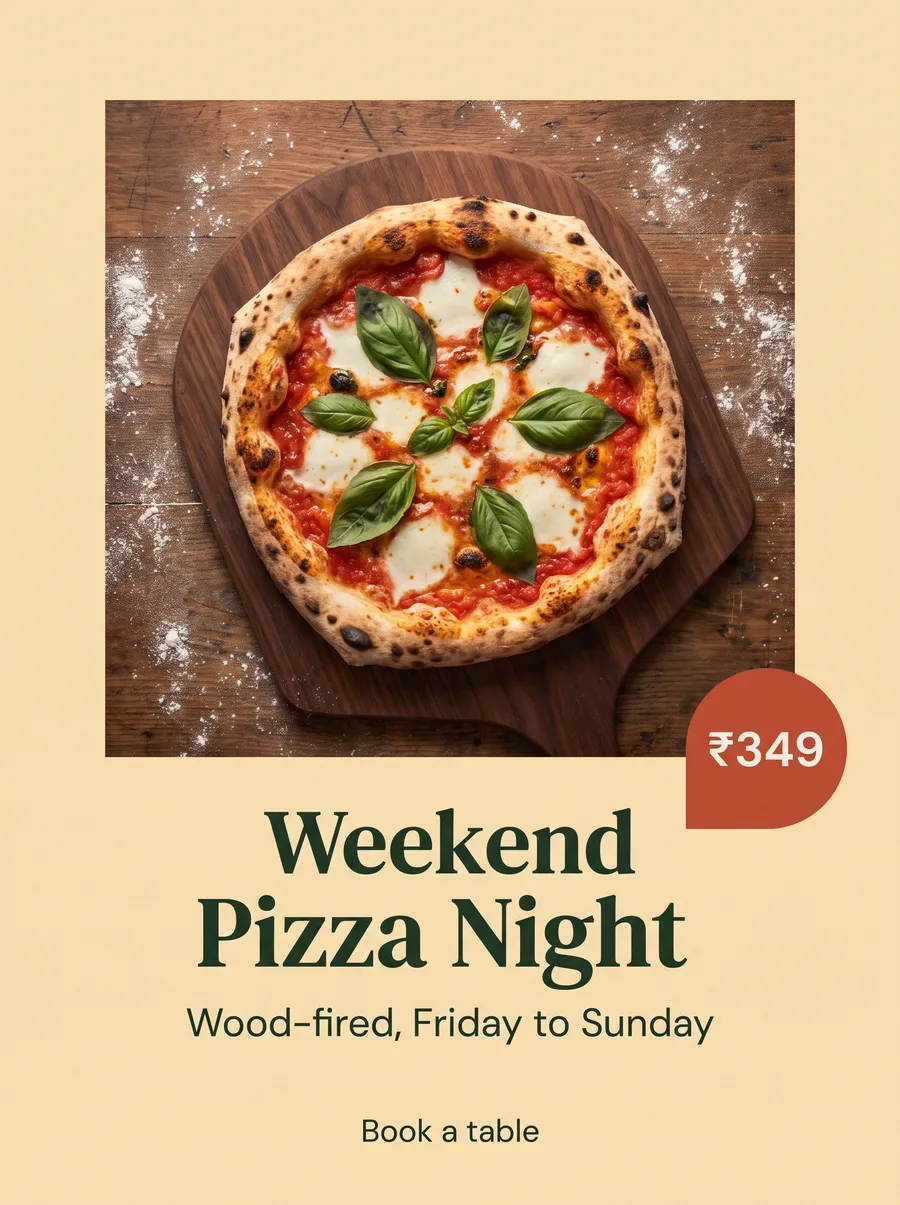
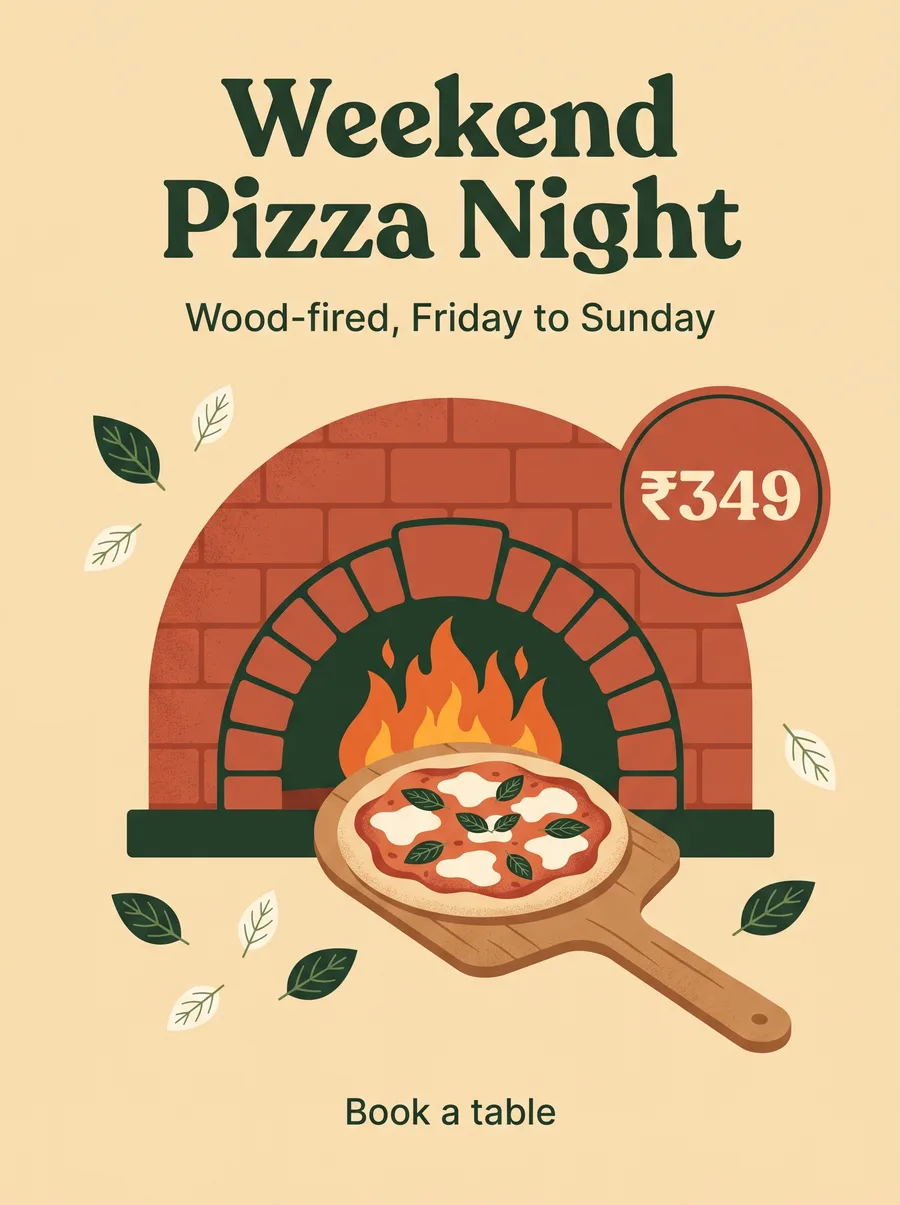
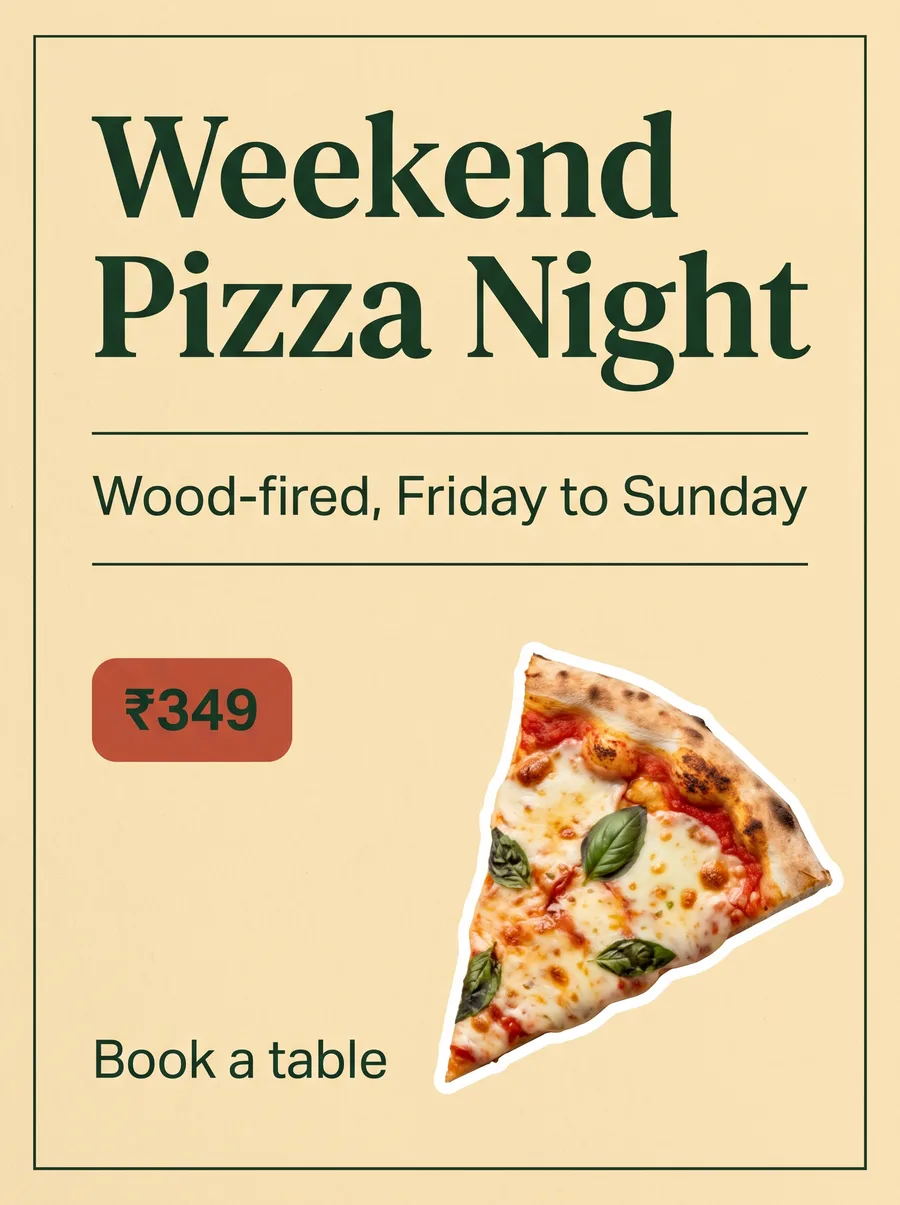
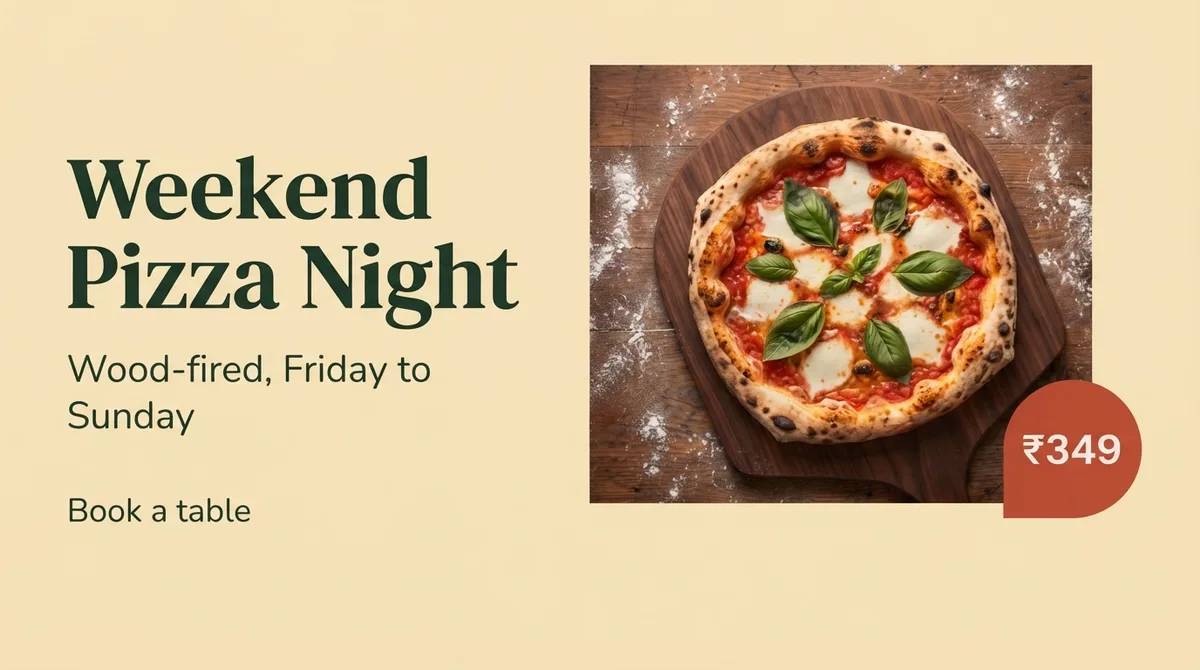
“Make a post for our weekend pizza night, in 3 styles”Romano’s Pizzeria
The idea and the lookCreative directorUp next
The headline, in your voiceCopywriterUp next
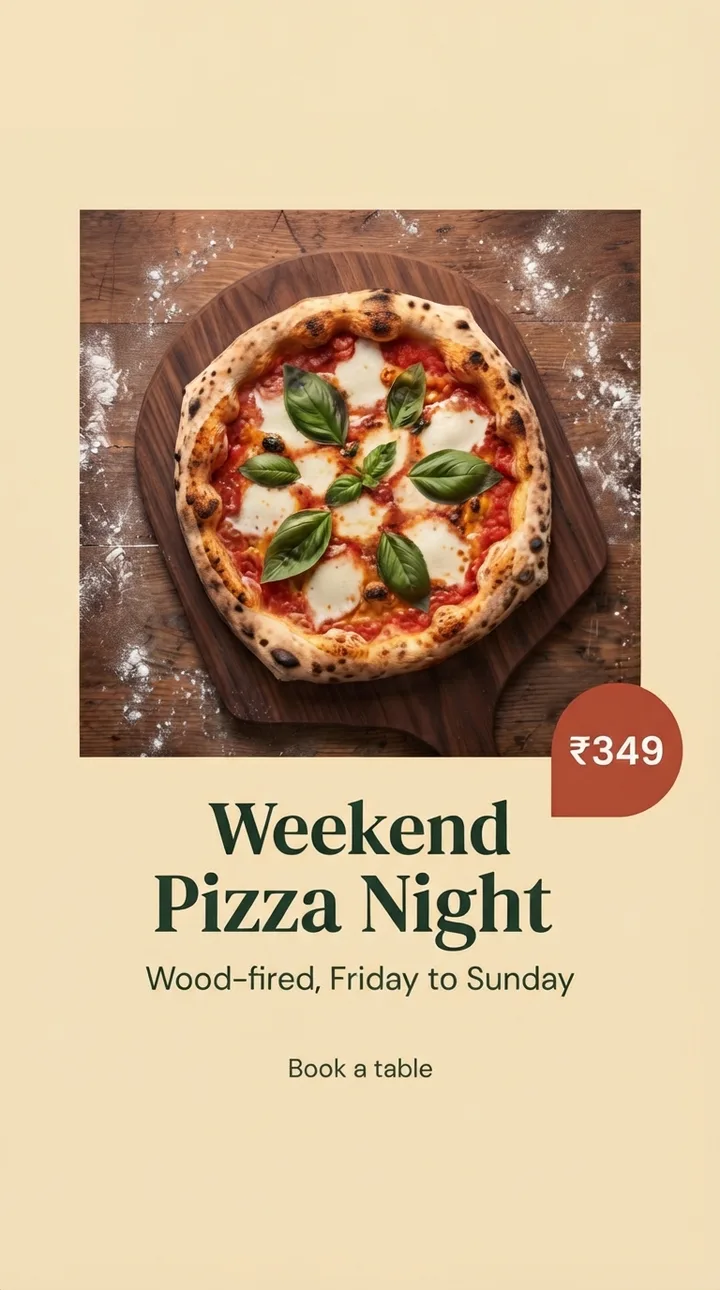
3 styles in your brand kitDesignerUp next
Logo, colors and spelling checkedQuality leadUp next
Your pizza night post
Being made
Photo
Illustrated
Bold type
Post 4:5Story 9:16YouTube thumbnail 16:9
The Designer at work
On-brand designs without the design hours
Every format
One design, sized for every platform
Single posts, carousels, Stories, banners and thumbnails, with text kept inside each platform’s safe zones. One design is adapted for Instagram, Facebook, LinkedIn, Pinterest, Threads, X and Google Business Profile without manual resizing.
Posts and carousels
Safe zones kept
Every size
Designer
Makes the pictures
On it
Designersized your post for every platform
YouTube thumbnailStoryFeed post
3 sizes from one design
Designer · no manual resizing
Designer
Makes the pictures
On it
Designersized your post for every platform
YouTube thumbnailStoryFeed post
Festival creatives
Festivals in your style, not stock templates
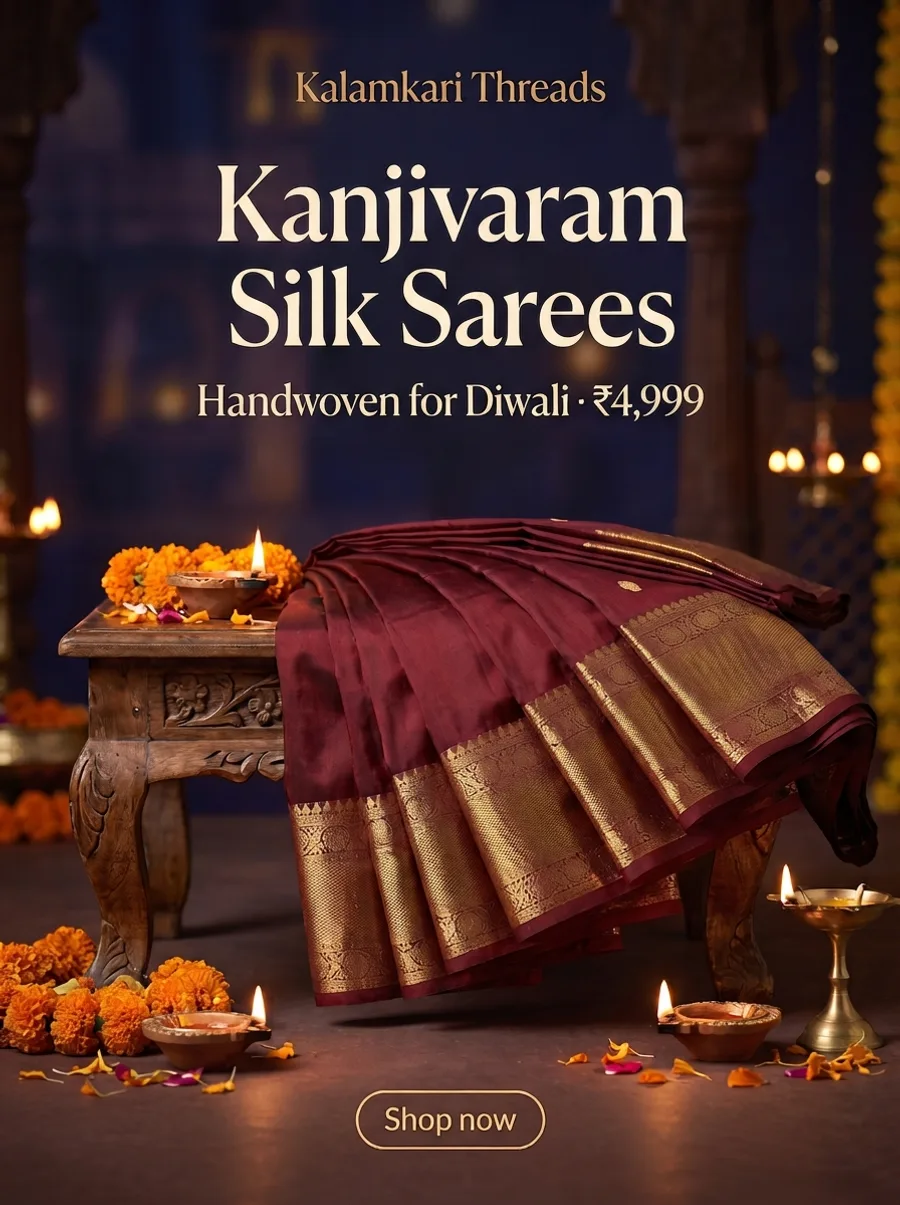
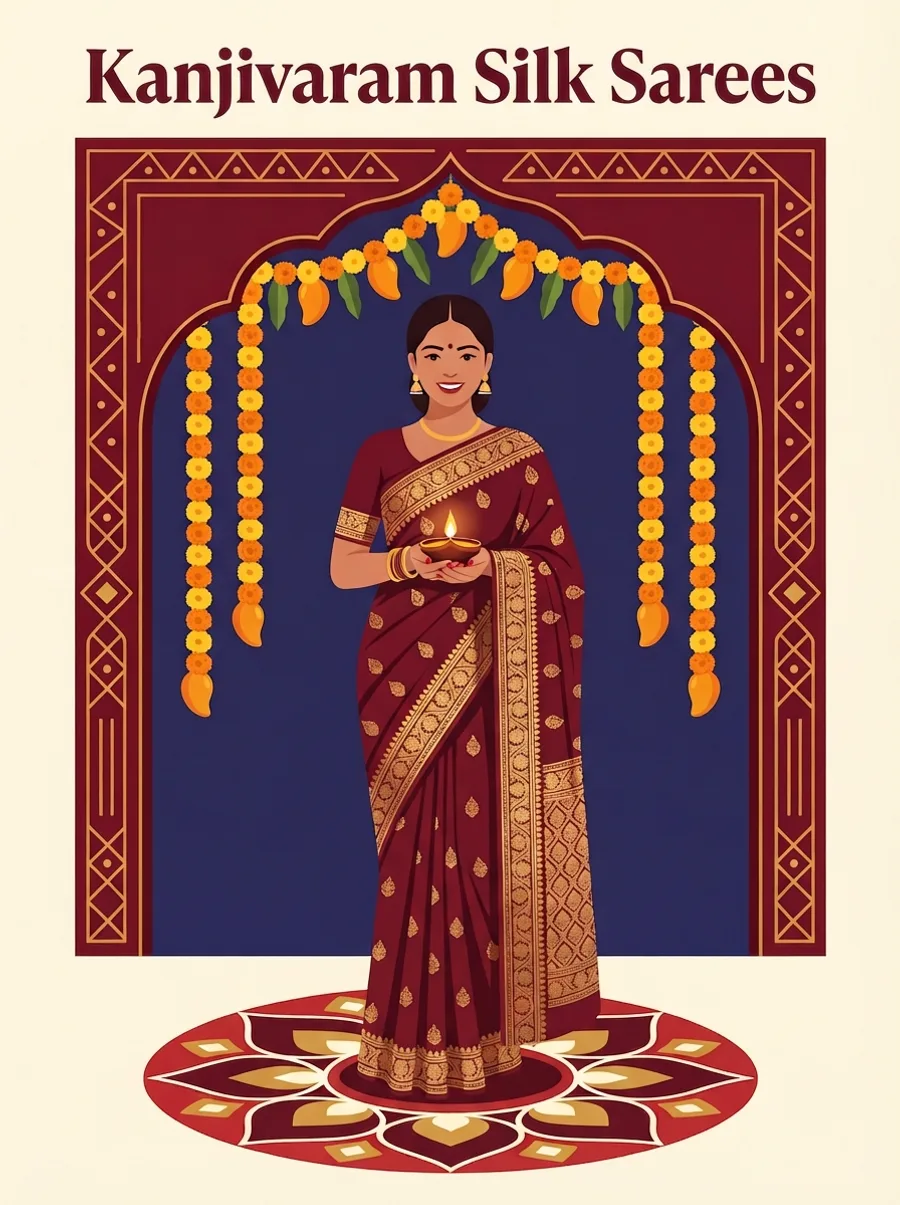
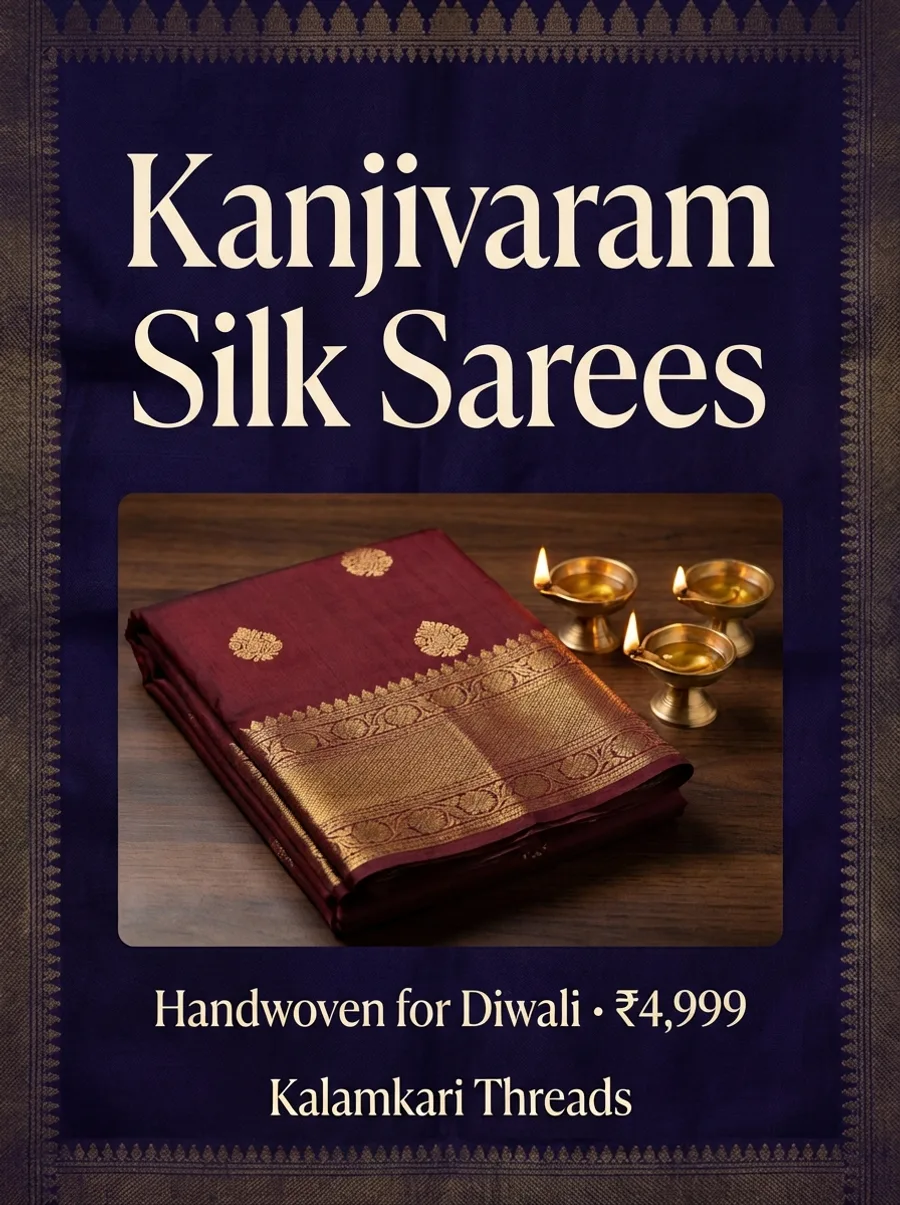
Diwali, Holi, Eid, Pongal, Onam, Christmas and more, designed with your logo, colors and products, so your greetings look like your brand.
Every festival
Your colors and logo
Your products
Designer
Makes the pictures
On it
Designermade your Diwali designs
The look for Diwali
Creative director · gold and deep red
Designer
Makes the pictures
On it
Designermade your Diwali designs
Checked first
Checked before you see it
The Quality lead checks every design for logo use, colors, spelling and readability. You approve, ask for changes or edit it yourself in the Design Studio. Nothing posts without your yes.
Brand checked
Spelling checked
You approve
Quality lead
Checks facts, brand and quality
On it
Quality leadchecked your pizza night post
Brand colors and logo
Spelling and price
Text inside safe zones
Readable on a phone
Ready for your yes
4 of 4 checks passed
Quality lead · before you see it
Quality lead
Checks facts, brand and quality
On it
Quality leadchecked your pizza night post
Brand colors and logo
Spelling and price
Text inside safe zones
Readable on a phone
Ready for your yes
What it makes
Everything your feed needs
Every design starts from your brand kit and waits for your approval.
Single posts and offers
Clean, readable designs for announcements, offers, quotes, tips and greetings.
Carousels
A strong first slide, a consistent layout and a clear call to action on the last slide.
Stories and vertical formats
Sized for Stories and Reels covers, with text inside the safe zones.
Festival creatives
Diwali, Holi, Eid, Pongal, Onam and Christmas in your brand style.
Every platform size
One design adapted for Instagram, Facebook, LinkedIn, Pinterest, Threads, X and Google Business Profile.
Edit in the Design Studio
Change text, swap images or adjust the layout yourself.
How it works, an example campaign, design rules, tips and how it works with your own designers.
What the Designer Agent Does
The Designer is the visual specialist on Zoe's AI marketing team. When a post needs an image, carousel, Story, banner or thumbnail, the Designer creates it in your style. It works from:
Your brand kit: logo, colors, fonts and visual style.
The post idea and its look from the Creative director, and the headline from the Copywriter.
The Media curator's pack of photos and icons when there is one.
Platform requirements: sizes and safe zones for each network.
Your product and team photos when you upload them.
Key Capabilities
Single posts and offers
Clean, readable designs for announcements, offers, quotes, tips and greetings.
Carousels
Multi-slide carousels for Instagram and LinkedIn with a strong first slide, consistent layout and a clear final call to action.
Stories and vertical formats
Designs sized for Stories and Reels covers, with text kept inside safe zones.
Festival creatives
Diwali, Holi, Eid, Pongal, Onam, Christmas and more, designed in your brand style rather than generic stock templates.
Resize for every platform
One design adapted for Instagram, Facebook, LinkedIn, Pinterest, Threads, X and Google Business Profile without manual resizing.
Edit in the Design Studio
Open any design in ZocialOne's Design Studio or Image Editor to change text, swap images or adjust layout.
How It Works
1A post is planned: from your request, a recipe or the content plan.
1The Designer creates visuals: using your brand kit and the caption.
1The Quality lead checks it: logo use, colors, spelling and readability.
1You review: approve, ask for changes or edit yourself.
1The Publisher schedules it: only after approval.
Example: Jewelry Store Festive Campaign
Request: "Create a Dhanteras campaign for our gold coins and light-weight jewelry."
The Designer produces:
A teaser post with a gold-toned layout and your logo.
A five-slide carousel on choosing gold for Dhanteras.
Story frames with countdown and store timings.
A Google Business Profile offer image.
All in the same visual language, ready for your approval.
Design Types by Industry
Industry
Common designs
Restaurants
Menu highlights, combo offers, chef specials
Clinics
Health tips, doctor introductions, camp announcements
Education
Result posters, batch launches, exam tips
Real estate
Project highlights, site visit invites, price-on-request posts
Retail
New arrivals, sale banners, lookbooks
Agencies
Client posts in each client's brand kit
Design Rules the Agent Follows
One main message per design.
Few words on the picture: a headline and a few short labels, with the rest in the caption.
Readable text sizes on mobile.
High contrast between text and background.
Logo placement consistent across posts.
Room for platform UI so text is not hidden.
Common Design Mistakes It Avoids
Too much text crammed into one image.
Off-brand colors pulled from random templates.
Stretched or blurry logos.
Low-contrast text that is unreadable in sunlight.
Wrong sizes that crop key information.
Tips for Better Designs
Upload a complete brand kit with logo variations and fonts.
Add real photos of your products, team and space. They outperform stock images.
Share two or three past designs you love as references.
Tell Zoe what to avoid, such as certain colors or styles.
Use It With Your Designers
The Designer agent does not replace a creative team; it speeds it up. Your designers can edit AI drafts, focus on hero campaigns and leave everyday posts to Zoe.
Make every post look on-brand. Try ZocialOne free for 7 days.
The Designer agent is built for owners who do not have a designer, marketing managers whose designers are overloaded, and agencies that need on-brand drafts for many clients at once. It is especially useful for multi-location brands, where dozens of branches need local posts that still look like one company. Head office sets the brand kit once, and every design the agent creates follows it, whether the post is for Hyderabad, Pune or Kochi.
Getting Started Checklist
1Upload your logo in light and dark versions.
1Add brand colors with exact hex codes and your preferred fonts.
1Upload 10 to 20 real photos of products, space and team.
1Share three designs that represent your style.
1Ask Zoe for one week of posts and review the designs carefully.
1Give specific feedback ("bigger logo," "less text") so future designs improve.
On-brand designs, without the design hours
Start the free trial, add your brand kit and ask Zoe for your first post.