Random posting is the single most common reason social media accounts stall. Not bad content — absent content, because nobody decided what today's post was.
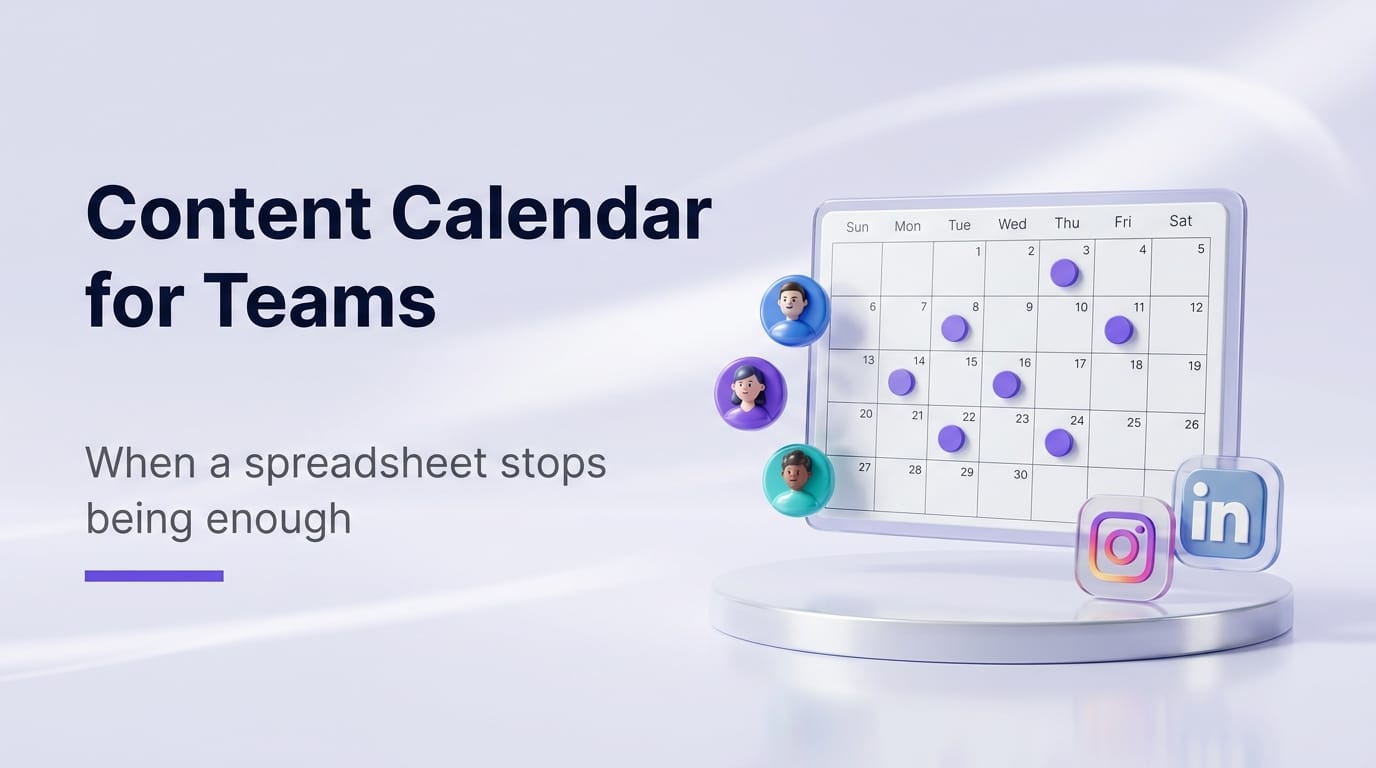
A content calendar fixes that. One clear view of what is going out, where and when, so you plan ahead, see gaps before your audience does, and never open the app wondering what to say.
What a calendar actually gives you
The whole month at once. Empty days and overloaded ones become obvious. You cannot fix a gap you cannot see.
Batching. Once you can see the month, you can make the month — in one sitting, in the mode where you are actually good at it.
A visible content mix. Colour-code by type and you will immediately notice you have posted nothing but offers for two weeks.
Coordination. The moment a second person is involved, the calendar stops being a planning aid and becomes the source of truth about who is doing what.
Where the spreadsheet stops working
A spreadsheet is a genuinely good start, and we give one away free. But it has a hard ceiling.
| Spreadsheet | Calendar tool | |
|---|---|---|
| Plan visually | Yes | Yes |
| Drag to reschedule | No | Yes |
| Actually publish | No | Yes |
| All channels in one view | Manual | Automatic |
| Approvals before publishing | No | Yes |
| Content generated in place | No | Yes |
| Tells you what worked | No | Yes |
The line is publishing. A spreadsheet plans; it cannot post. So every scheduled item is entered twice — once in the sheet, once in the tool — and the two drift apart within a fortnight. That drift is what kills spreadsheet workflows, not the spreadsheet itself.
What changes when a team is involved
Solo, a spreadsheet can carry you a long way. With two or more people, three things break:
Nobody knows what is approved. A post sitting in a sheet might be a draft, a suggestion or ready to go. Without explicit states, someone publishes something that was not signed off.
Nobody knows who owns what. "Someone should post about the new launch" is not an assignment.
Feedback happens somewhere else. Comments arrive over WhatsApp, email and in person, and none of it is attached to the post it concerns.
A calendar tool fixes these with owners, statuses and approval steps — not because process is inherently good, but because ambiguity is what makes a team miss posts.
Planning around the Indian calendar
One thing worth building into any Indian content calendar: the festival cycle.
Diwali, Holi, Raksha Bandhan, Ganesh Chaturthi, Eid, Onam, Pongal and the regional new years are the highest-engagement windows of the year, and they are known months ahead. There is no excuse for being surprised by Diwali.
The practical rule is to work backwards. Most festival campaigns should start 10–14 days early, when people are researching and comparing — not on the day, when they have already bought.
How to actually run one
- Pick your channels. Two or three done well beats six done thinly.
- Decide your mix. Educate, showcase, trust, engage, sell — roughly one post in five asking for the sale.
- Block the fixed points first. Festivals, launches, known events. These are non-negotiable and dated.
- Fill the gaps. With the fixed points in place, the empty slots are obvious.
- Batch the creation. One session, not one post at a time.
- Schedule it.
- Review at month end. Sort by saves and shares. Do more of the top five, stop making the bottom five.
Step seven is the one everyone skips, and it is the only one that makes next month better than this one.
What ZocialOne's calendar does
Drag-and-drop planning across all seven channels in a single view. Schedule and auto-publish at AI-optimised times straight from the calendar. Zoe fills gaps with captions, post ideas, festival content, posters and video. Team roles and approvals so nothing publishes unreviewed. Separate calendars per brand for agencies.
If you would rather start with the spreadsheet, our free content calendar template is on the resources page — pre-filled with the festival calendar and suggested IST times.
FAQs
Can I plan multiple platforms on one calendar?
That is the main reason to use one. Seeing all channels together is how you notice you have posted to Instagram five times and LinkedIn never.
How far ahead should we plan?
Two to four weeks of scheduled content, with festivals and launches mapped further out. Beyond a month you cannot react to what is actually happening.
Is a spreadsheet enough?
For one person on one or two channels, often yes. Once you add a second person or a third channel, the double entry between planning and publishing becomes the bottleneck.
Can my team collaborate?
In a proper tool, yes — roles, permissions and approval workflows so drafts get reviewed before they go live.
Is there a free plan?
ZocialOne offers a 7-day free trial with full access, no card. The content calendar template is free permanently.